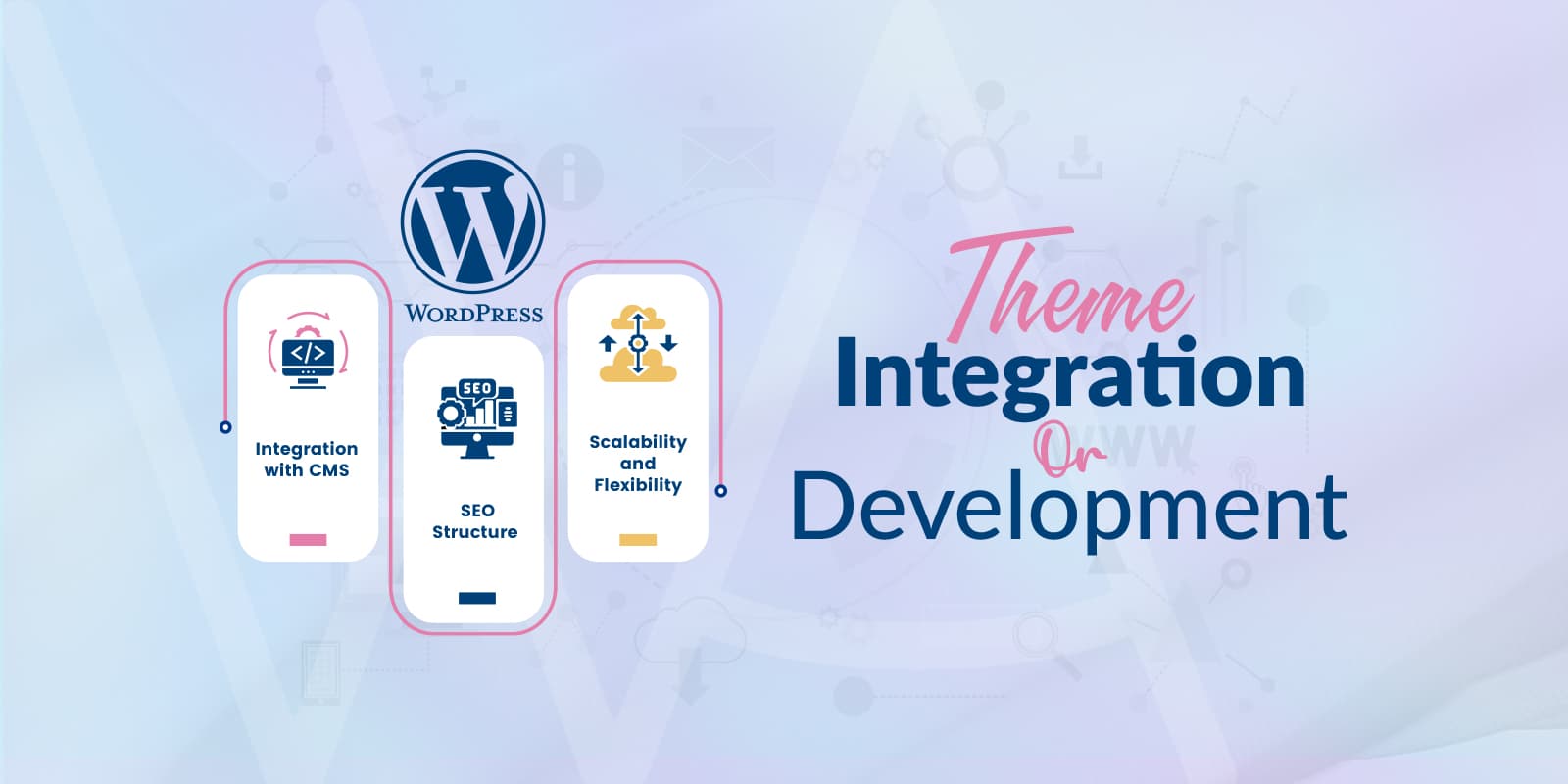
Help integrating or adapting a WordPress theme: homepage, article templates, navigation, archives, or product pages.
What is included
- A supported customization approach so updates do not silently overwrite the work.
- Desktop and mobile checks, including long titles, menus, and forms.
- Care for established URLs, canonicals, and redirects when templates change.
- Staging review and a rollback point when we have that access.
Theme licenses and third-party costs are not included. Broader application work belongs on the Web Development product.
Frequently asked questions
Will a theme update overwrite the work you do?
No, when the change goes somewhere updates do not touch. Template and style edits live in a child theme, and behaviour changes go through the theme’s own hooks and filters. You get a written list of every file we added so a future developer can find them. If a theme only supports edits inside its own files, we say so before starting instead of making the change quietly.
Can you integrate a theme I bought from ThemeForest or another marketplace?
Yes. You supply the licensed files and, where the theme needs one, the purchase or licence key. Licence and renewal costs stay with you u2014 they are not part of this fee. We do not redistribute or reuse a licence across sites.
Will my existing URLs change?
Templates change; URLs should not. Permalinks, canonical tags, and internal links are checked before and after the work. If a template genuinely forces a new URL, we agree the redirect first and put the 301 in place in the same pass, so search engines and existing links keep working.
How is this different from the WordPress Web Development service?
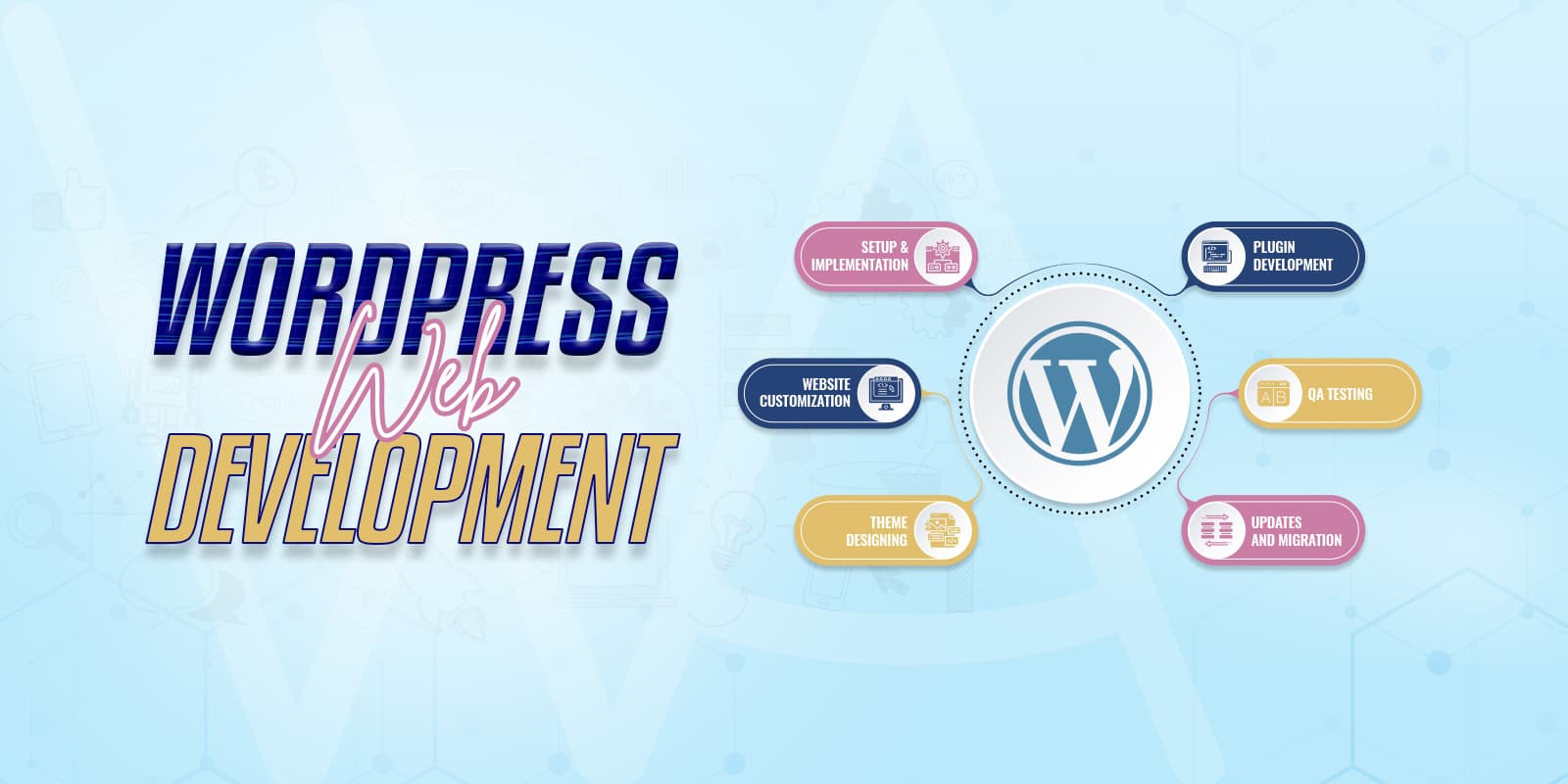
Theme integration adapts templates a theme already ships: homepage, archives, single posts, navigation, product pages. Web Development is for behaviour that does not exist yet u2014 custom post types, new workflows, a plugin, or an integration with another system. If a request needs both, we quote the development part separately.
Do you work on block themes and the Site Editor?
Yes. Block themes are handled through theme.json, block template parts, and a child theme where one is needed, rather than the classic PHP template files. The approach differs but the rule is the same: the work has to survive a theme update.
What do you need from me before you start?
Administrator access to the site, the theme files and licence, a staging site or permission to create one, and the list of templates you want changed. If there is no staging environment we take a restore point first and tell you what we are about to touch.