


Updated June 2026
Best WordPress Video Themes for 2026
Video themes should support fast pages, responsive embeds, strong thumbnails, accessible text, and a clear way to contact or subscribe.
Quick picks
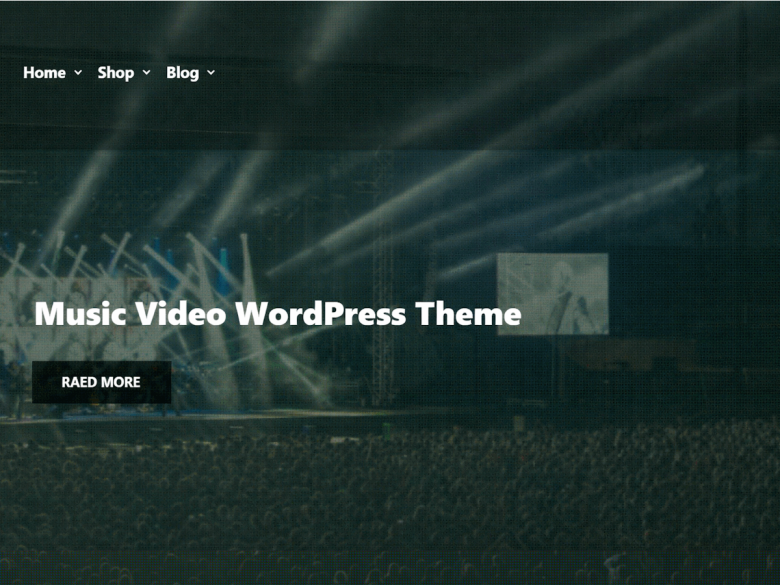
1. Music Press Video
Best for: Music and media creators who want a video-forward theme.
Check how it handles embeds, playlists, and mobile performance.
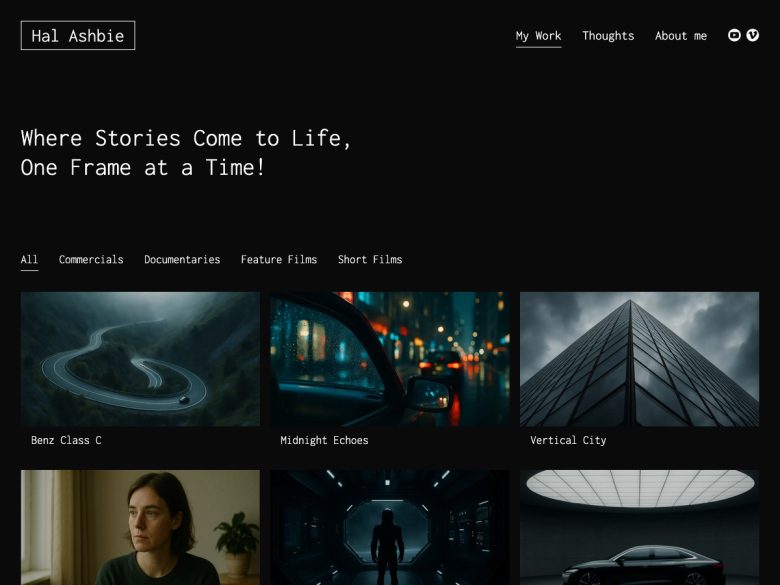
2. Video Film Portfolio
Best for: Filmmakers, editors, and visual portfolio sites.
A better fit for portfolio proof than a general blog theme.
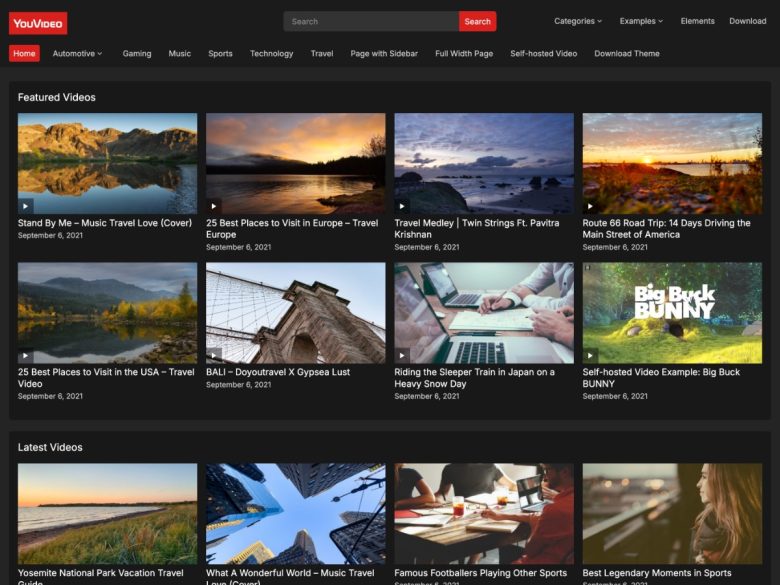
3. YouVideo
Best for: Small video blogs and creator archives.
Review archive and single-video layouts with actual thumbnail sizes.
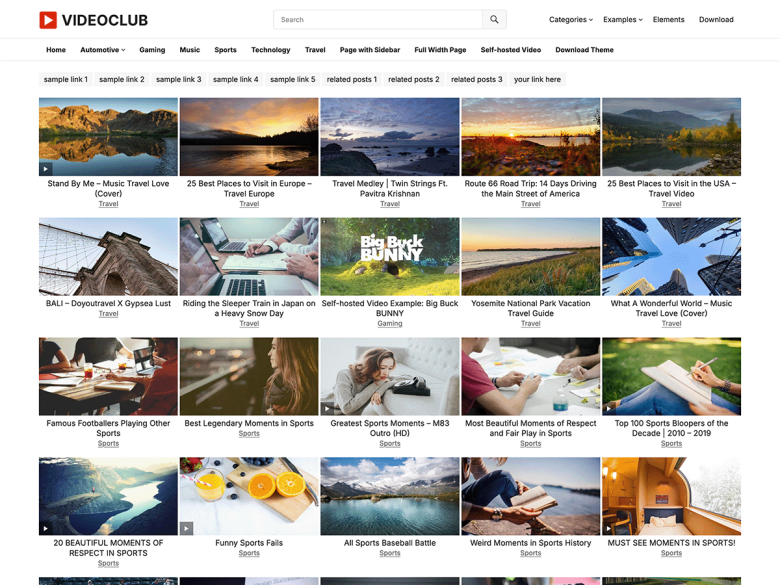
4. VideoClub
Best for: Video-heavy blogs that need a grid-first homepage.
Use only if the layout still performs well after real embeds are added.
How to choose
- Install the theme on a staging site before changing a live site.
- Check mobile header, archive pages, single posts, forms, and image cropping with real content.
- Confirm recent updates, active support, block-editor compatibility, and accessibility basics.
- Avoid themes that require many bundled plugins just to recreate the demo.
- Measure performance after adding your images, embeds, analytics, and conversion tools.
What changed from the old list
The old 2013 video theme list has been rewritten with current WordPress.org screenshots and a video-site checklist.
Old screenshots, dated year labels, and thin marketplace blurbs were removed. The refreshed page starts from current public theme-directory listings and a practical site-owner checklist.
Final recommendation
Shortlist two or three themes, test the real pages your visitors will use, and choose the one that stays maintainable after launch. The best WordPress video themes choice is the theme that keeps the site fast, readable, and easy to update.









Responses (3 )