

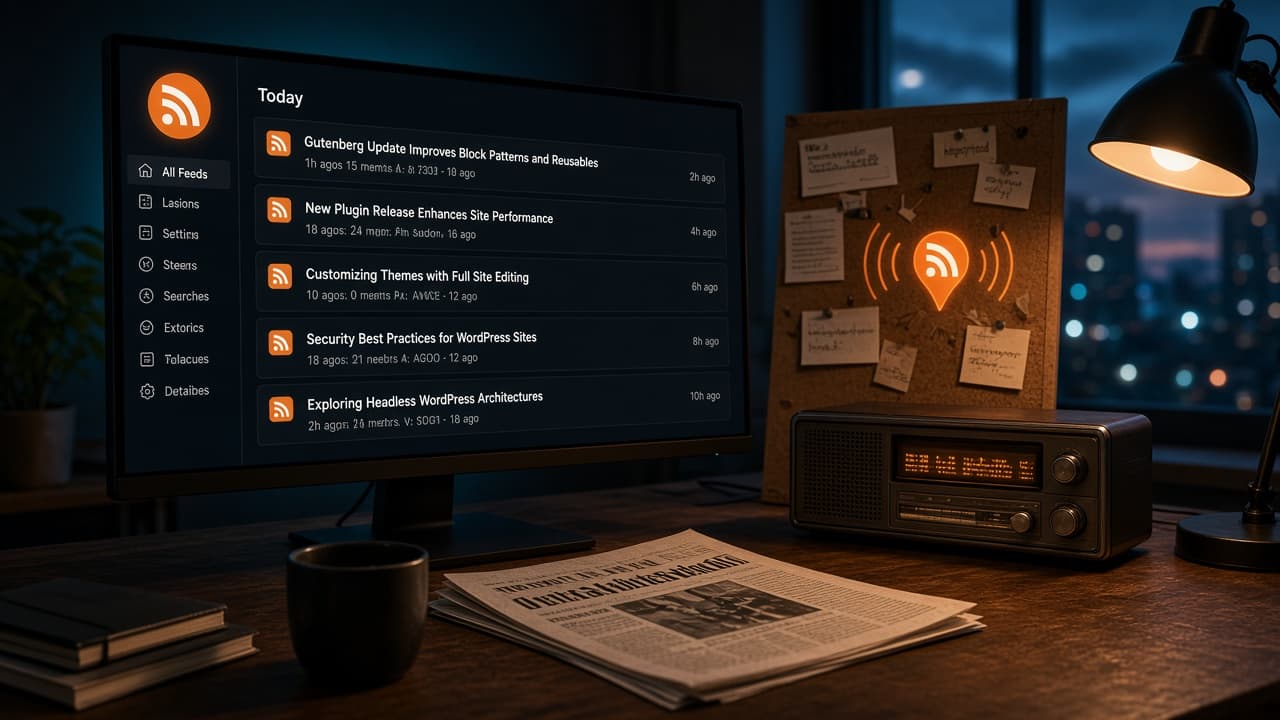
WordPress already publishes RSS. This page shows the public URLs, the hidden category and author feeds, how to verify XML, and what to use after FeedBurner. You do not need a proxy to give readers a working feed.
Start here: open /feed/ on the public hostname. You should see RSS XML with recent post titles and canonical links. If you get a login page, an HTML 404, or the WordPress origin instead of the public site, fix that before you add a reader button.
What an RSS feed actually is
RSS (Really Simple Syndication) is a small XML document. Each item usually has a title, a permalink, a published date, and either an excerpt or the full post. A feed reader polls that URL and shows new items. It is not email, it is not a popup, and it is not a sitemap.
Use RSS when someone wants to follow new posts on their schedule. Use email when you want to send a message you wrote to a confirmed address. Keep those two controls labeled separately.
WordPress already publishes these feeds
On a site with pretty permalinks, verify these first. Replace the example slugs with real ones from your site.
| Feed | Pretty permalink | Query-string fallback |
|---|---|---|
| All posts | /feed/ | /?feed=rss2 |
| Comments | /comments/feed/ | /?feed=comments-rss2 |
| Category | /category/tutorials/feed/ | /?feed=rss2&cat=ID |
| Tag | /tag/example/feed/ | /?feed=rss2&tag=example |
| Author | /author/editorial-staff/feed/ | /?feed=rss2&author=ID |
| Search | /feed/?s=permalinks | /?feed=rss2&s=permalinks |
| Atom | /feed/atom/ | /?feed=atom |
Plugins, custom permalinks, and security rules can change which addresses work. Open the URL and confirm you receive XML with public entries. A login wall, a cached HTML homepage, or an empty channel means the public feed is broken.
On WPArena the public posts feed is https://wparena.com/feed/. Readers should not have to know the WordPress origin.
How to verify a feed in five minutes
- Open the URL in a private window. You want RSS or Atom XML, not a theme page.
- Check the first few
<link>values. They must be the public canonical article URLs. - Confirm drafts, private posts, and password posts are absent.
- If pretty permalinks fail, try the
?feed=rss2fallback. If that works, the rewrite map is the problem, not WordPress RSS. - After you trash or merge a post, reload the feed. The old item should drop, and the public URL should 301 to the replacement.
Find the feeds WordPress does not advertise
The theme footer or a browser feed icon usually only expose the main posts feed. Category, tag, author, and search feeds still exist. If you want readers to follow one topic, put that category feed on the topic archive. Do not assume visitors will guess the URL.
- Confirm pretty permalinks are on under Settings → Permalinks.
- Open the archive you care about, then append
feed/. - Check that each entry link points at the public article URL, not an internal preview or admin host.
- If you use a headless frontend, test the public hostname as well as the WordPress origin.
Full text, excerpts, and how many items
WordPress controls the payload under Settings → Reading:
- For each post in a feed, include: excerpt keeps scrapers from mirroring the whole article. Full text is better when you want people to stay inside Feedly, NetNewsWire, or Inoreader.
- Syndication feeds show the most recent: 10 items is enough for most publications. A huge full-text feed is a cache and scrape problem, not a growth tactic.
If comments are noisy or unused, do not promote /comments/feed/. The posts feed is the one readers actually add.
Replace FeedBurner with a native URL
FeedBurner was a Google-owned feed proxy. Sites pointed readers at a FeedBurner hostname so they could count subscribers and add email delivery. That hop is now a liability: accounts get stuck, the product is not a current Google workflow, and you put a third-party hostname in front of XML WordPress already serves.
If an old theme still prints a FeedBurner URL in header.php or a widget:
- Change the public feed link back to your own
/feed/, or the frontend feed you actually serve. - Move email subscribers to a maintained list tool. Export addresses before you treat FeedBurner email as gone.
- 301 the old FeedBurner path to the native feed so existing reader subscriptions keep resolving.
Keep email and RSS labeled as different things
A feed reader polls XML. A newsletter needs a confirmed address, a sender domain, and unsubscribe handling. If the header says “Subscribe” and then copies a feed URL, readers think they joined a list. Label the controls: “Copy RSS address” versus “Join the email list.”
WPArena’s contact page is how you reach the team. It is not a feed signup.
Feeds on a headless WordPress site
GraphQL and REST do not replace RSS for readers. If the public site is a Next.js / Faust frontend:
- Pick one public feed URL and keep it stable.
- Make item links use the public canonical URLs, not the WordPress origin.
- Do not expose drafts, private services, or coupon codes that belong in the dashboard.
- Do not HTML-cache
/feed/. A cached homepage on that path is why some headless sites “lose RSS.” - Add a public
rel="alternate"RSS link in the frontend head so readers and browsers can discover the feed.
Launch checklist
- Main feed returns XML on the public hostname.
- Category and author feeds work if you plan to promote them.
- No leftover FeedBurner or third-party feed proxy in the theme header.
- Email signup, if you offer one, is a separate current tool.
- Feed item links match the canonical article URLs.
- Private, password, and draft posts stay out of the XML.
Frequently asked questions
Where is the main WordPress feed URL?
On pretty permalinks it is /feed/. The fallback is /?feed=rss2. On WPArena the public URL is https://wparena.com/feed/.
How do I find a category or author feed?
Open the archive, then append feed/. Example: /category/tutorials/feed/ or /author/editorial-staff/feed/. Confirm the XML lists only public posts for that archive.
What should I do with a leftover FeedBurner URL?
Point the public link at your native /feed/, export any email list still sitting in FeedBurner, and 301 the old FeedBurner path to the native feed so existing reader subscriptions keep working.
Should the feed use full text or excerpts?
Set this under Settings → Reading. Excerpt is enough for most publications and limits scrapers. Full text is better when you want people to read inside their feed app.
Why does /feed/ return HTML on a headless site?
The frontend or a CDN is caching the homepage onto the feed path. Serve XML on the public hostname, skip HTML cache for /feed/, and keep item links on the public canonical URLs.
Can I count subscribers without FeedBurner?
You can log request volume on the feed URL, or stop treating subscriber counts as a goal. An email list gives a clearer opted-in number. Feed-reader counts were always approximate.


Responses (0 )