

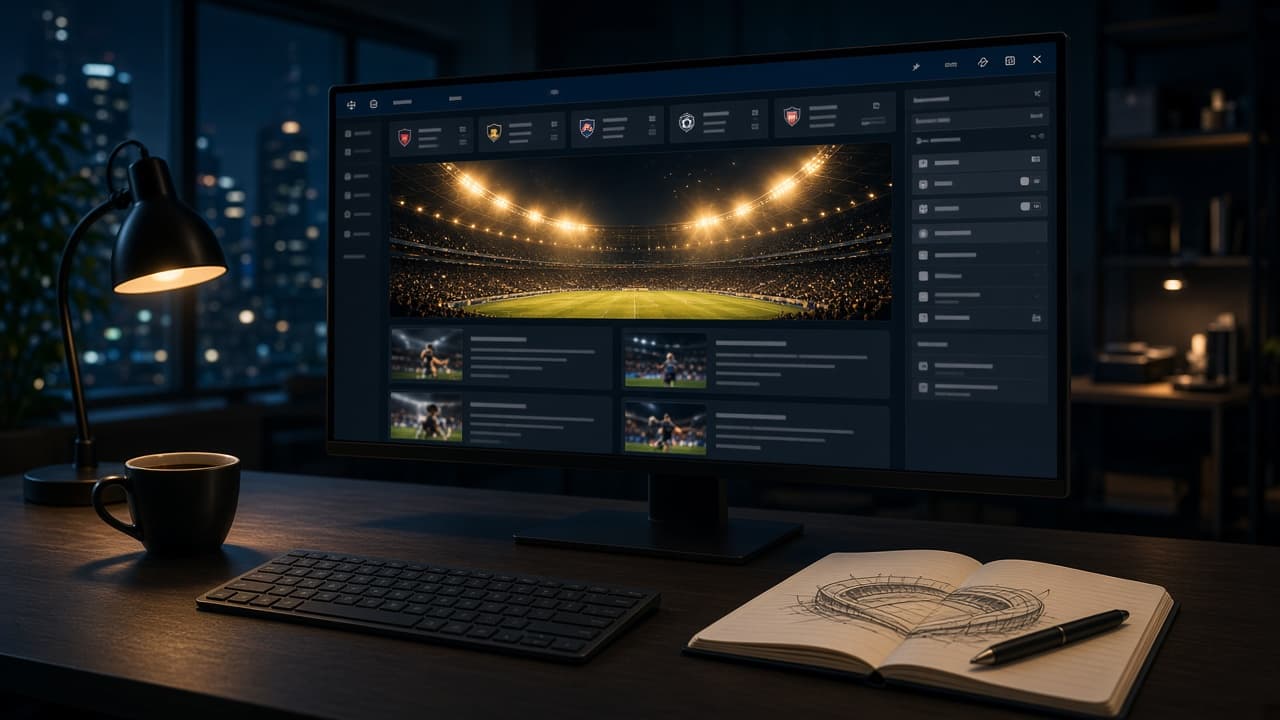
A sports blog on WordPress in 2026 is not a gallery of other people’s homepages. It is a publishing desk that can ship a match report before the opposition’s site finishes loading ads. The original version of this page listed fifty fishing and running sites from 2010. Most of those URLs are gone. What still matters is the job: get a reader from a score to a story, then to the next fixture, without making them wait.
This rewrite is the page we would send a club, a beat writer, or a fan network that asked, “How do we actually build this?” It uses live WordPress sites we opened on 20 September 2026, a SportsPress demo that still runs fixtures as data, and a build path you can finish in a weekend if the hosting is honest.
If you only need a general WordPress launch checklist, start with How to Start a WordPress Blog. If the bottleneck is the server, skip the theme debate and read Best WordPress Hosting Providers 2026. This article stays on the sports stack: layout, fixtures, editorial workflow, and the few plugins that earn their keep.
What a good sports WordPress site looks like right now
Open a live sports publisher and ignore the brand for a minute. You should see four things above the fold: a way to pick a competition, a score or kickoff, one story that deserves the hero slot, and a path into the archive. World Soccer Talk is a WordPress site doing that job in public. The screenshot below is the homepage as it rendered on 20 September 2026, cookie banner and all.
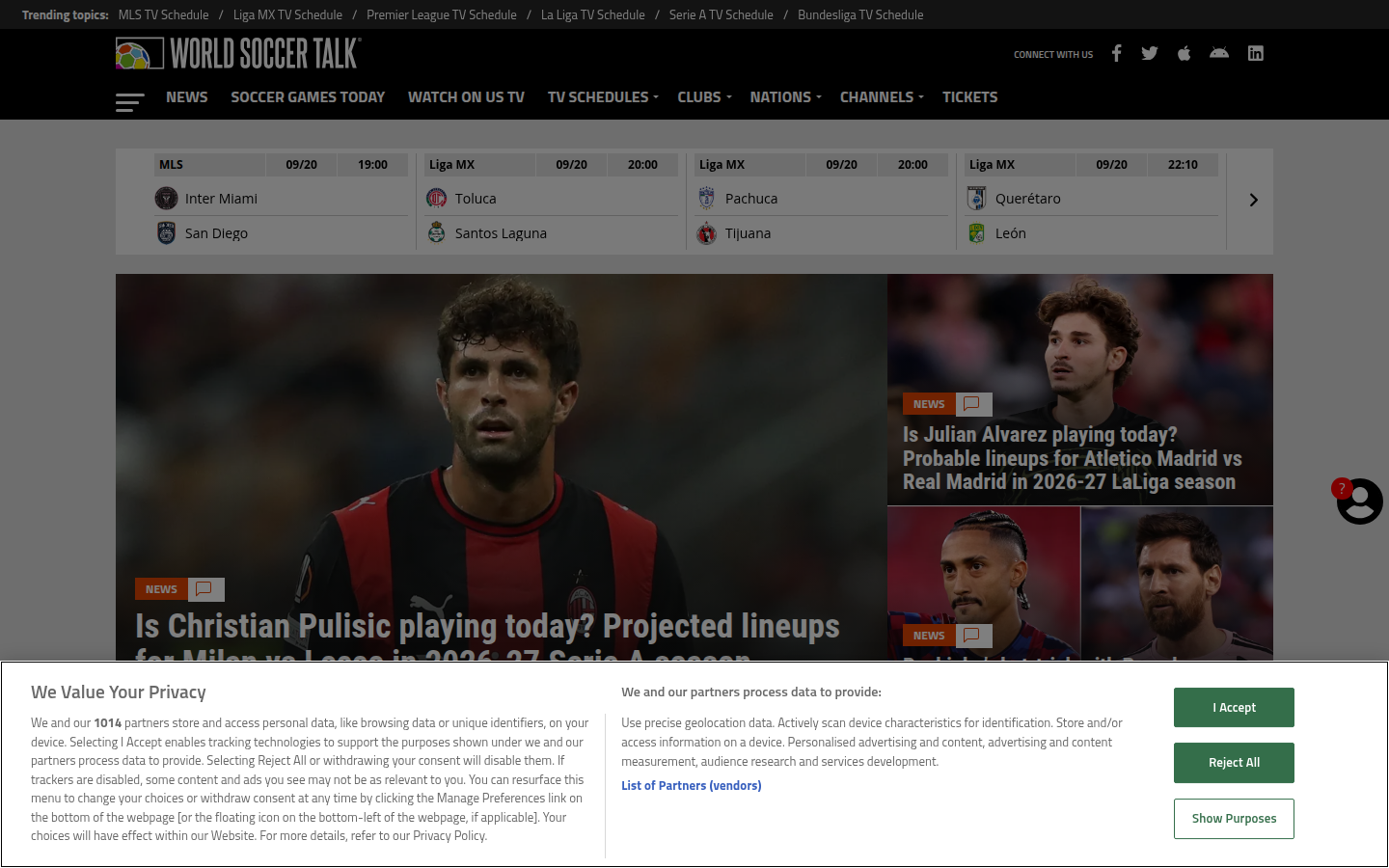
That page is not a theme demo. It is a working newsroom: fixture chips across the top, a large photograph, related stories, and a consent layer that still has to be designed for. If your “sports blog” cannot show today’s matches without a page builder stack of 40 modules, you are building a brochure. Build a desk.
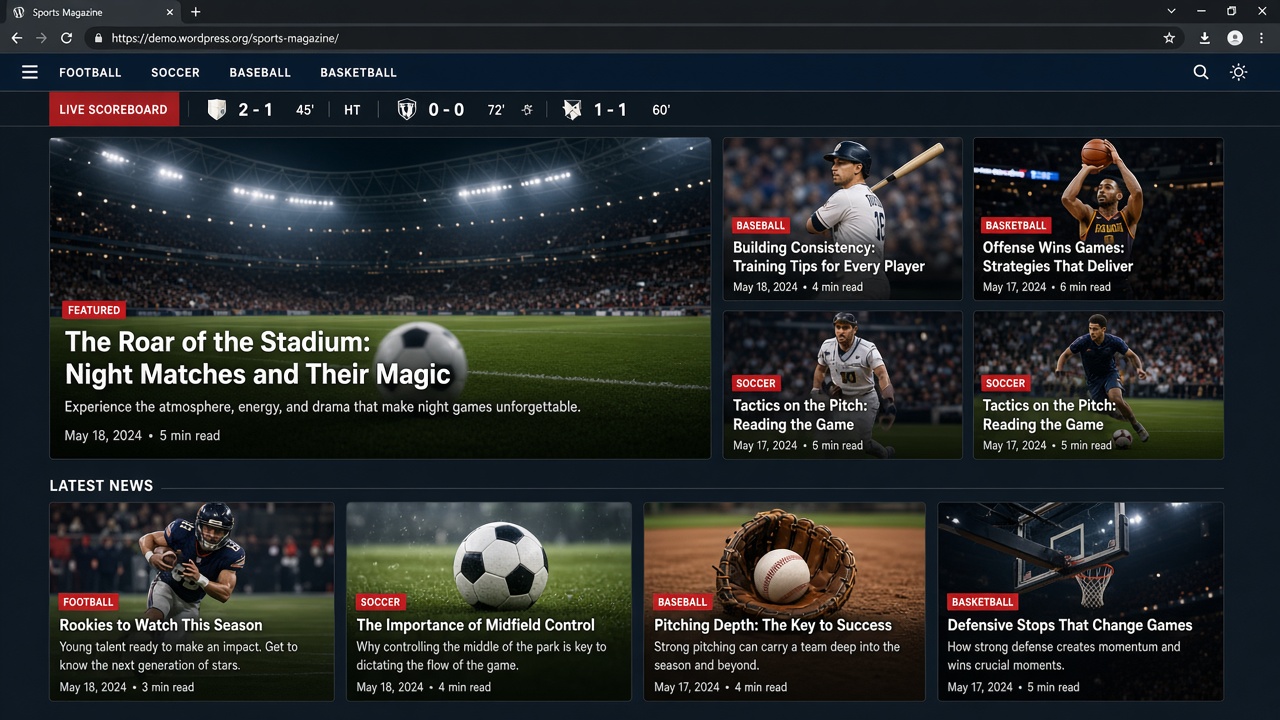
Magazine themes copy this pattern because it matches how fans read. One story leads. Everything else is a lane: league, transfer, injury, opinion. Your theme should make those lanes cheap to update. If changing the hero requires a developer, the theme lost.
Sports blogs versus sports WordPress setups
People mix up three different products. A sports blog publishes stories. A club or league site publishes fixtures, tables, and squads. A theme demo publishes dummy posts so you will buy a zip file. Pick the product first. The table is the decision, not the decoration.
| Setup | Best for | Homepage job | Fixtures as data | Risk in 2026 |
|---|---|---|---|---|
| Magazine theme + editorial posts | Beat writers, fan networks, multi-sport blogs | Hero story + lanes | Only if you add SportsPress or a feed | Slow sliders, leftover demo content |
| SportsPress + club theme | Amateur clubs, school leagues, academies | Next match + table | Yes — events, results, staff | Treating the plugin as a design system |
| Block theme / FSE sports skin | Solo bloggers who want Gutenberg only | Query loops and patterns | Manual or blocks | Patterns that look finished and rank empty |
| WooCommerce + sports theme | Clubs that sell kits and memberships | Story + shop entry | Optional | Checkout on the same host as the newsroom |
| Headless WordPress + frontend | Networks that already have a React/Next desk | Whatever you build | Via API | ISR cache serving yesterday’s score |
World Soccer Talk sits in the first row. The SportsPress Football Club demo sits in the second. Most “50 best sports blogs” lists never say which row they are scoring. That is why they age into link rot.
SportsPress: when the score has to be a field, not a paragraph
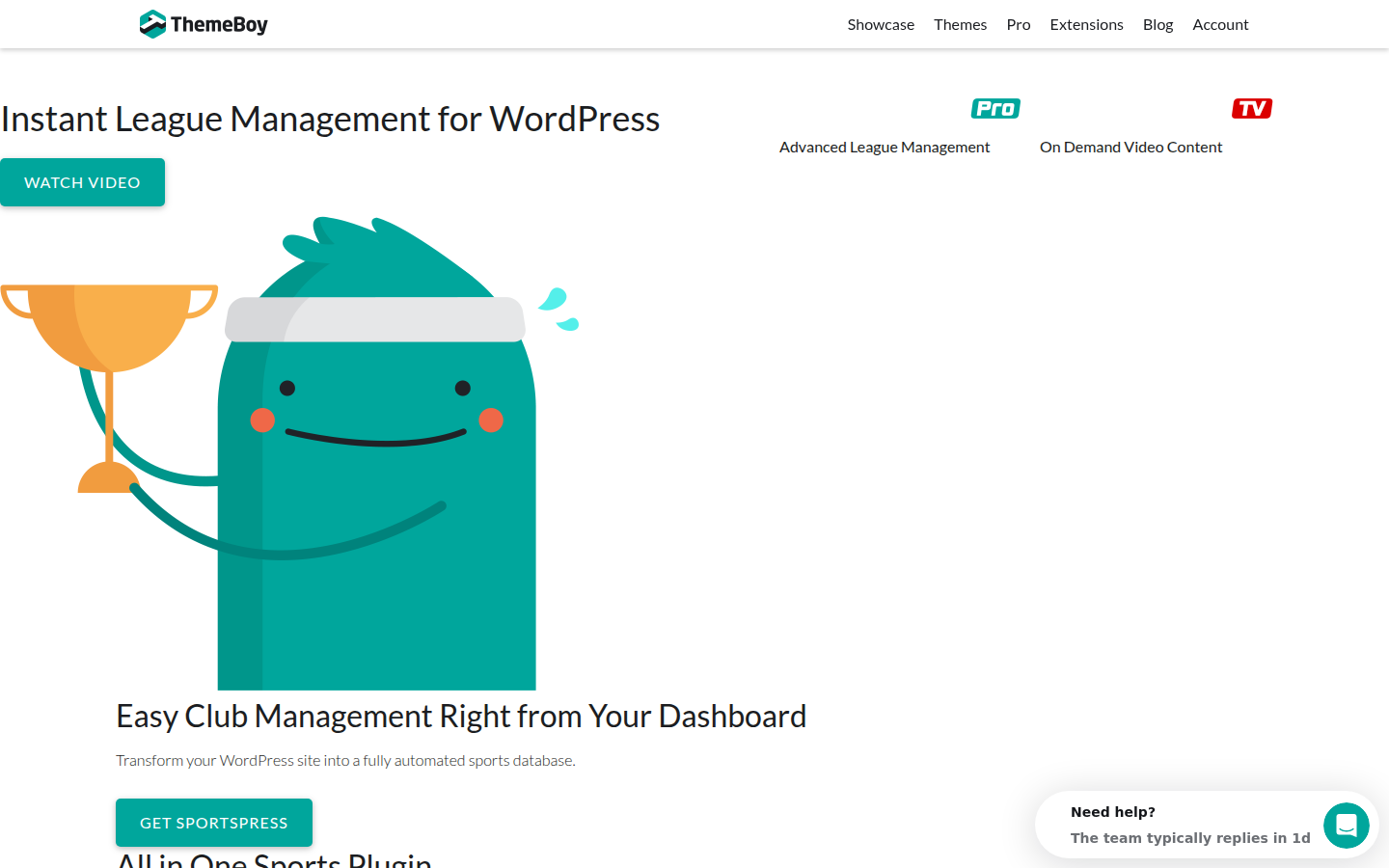
If your reader arrives asking “who do we play on Saturday?”, a blog post titled “Weekend Preview” is the wrong object. SportsPress (ThemeBoy) stores teams, events, results, and tables as WordPress content types. The official demo still shows the model clearly.
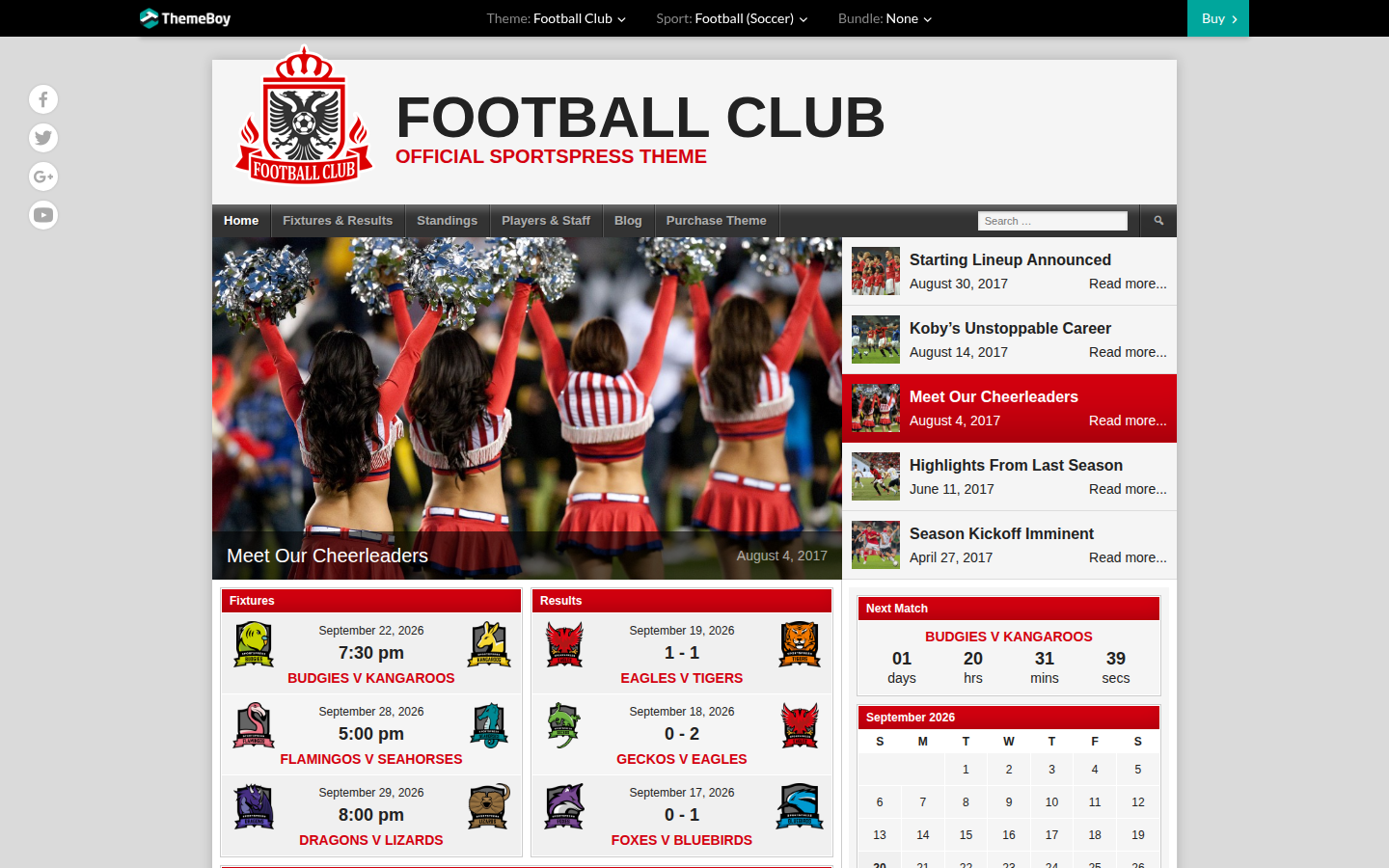
Look at what is on that page: a next-match countdown, a fixtures list with crests, a results column, and a calendar. Those widgets read from the same events you edit in wp-admin. When the referee’s score goes in, the homepage, the widget, and the table update together. That is the whole point.
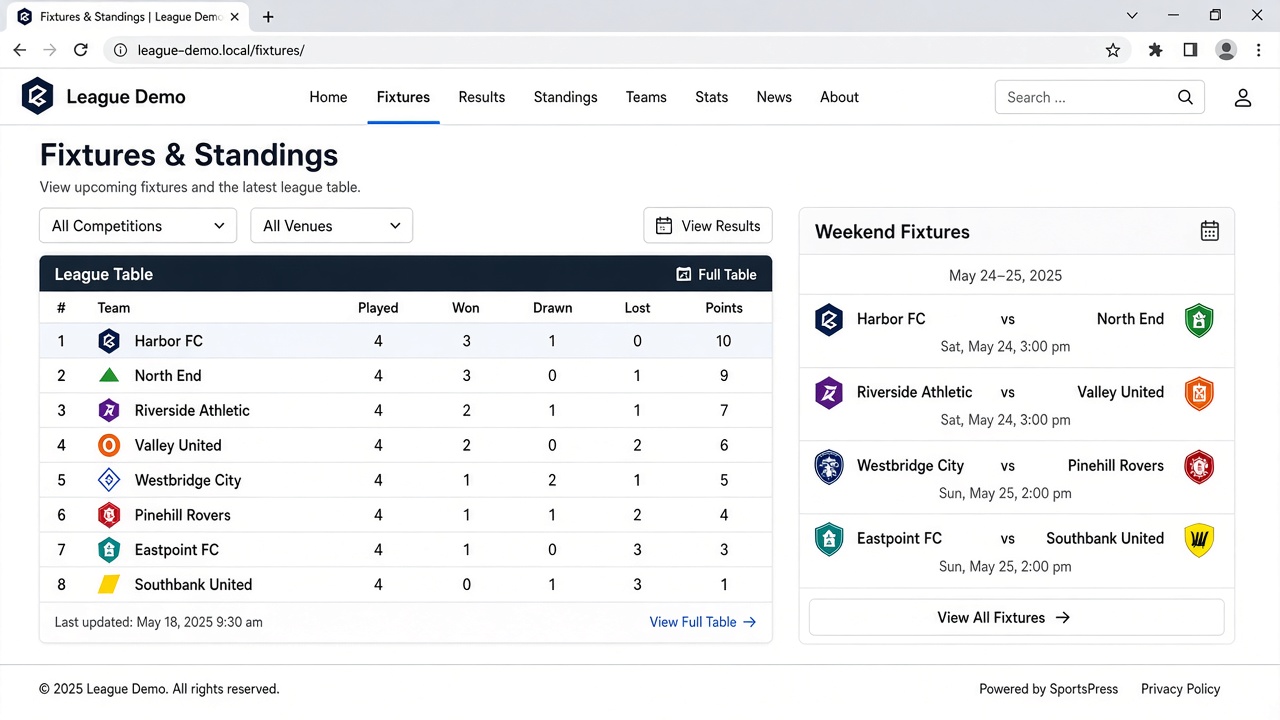
Do not install SportsPress on a transfer-rumour blog that never publishes a table. You will spend a week mapping venues for content you will not maintain. Do install it if a volunteer secretary currently pastes results into a page. Replace the paste.
Theme setups that still make sense
A sports theme is a costume. It should load fast, expose a featured area, and stay out of the database. In 2026 we would shortlist by job, not by how many sliders the demo ships.
- Magazine / news desk: a theme with a real featured-posts query, category lanes, and a scoreboard widget area. The League (MVPThemes) is the long-running commercial example of this pattern. We did not paste a ThemeForest screenshot here because the marketplace served a bot challenge; the public demo layout is the magazine pattern shown above.
- Club site: a SportsPress-compatible theme. The Football Club demo is the reference. Your crest and colours go on after the data model works.
- Lifestyle / training: a cleaner magazine skin. SKT Sports Weekly is one of the current commercial options aimed at that lane.
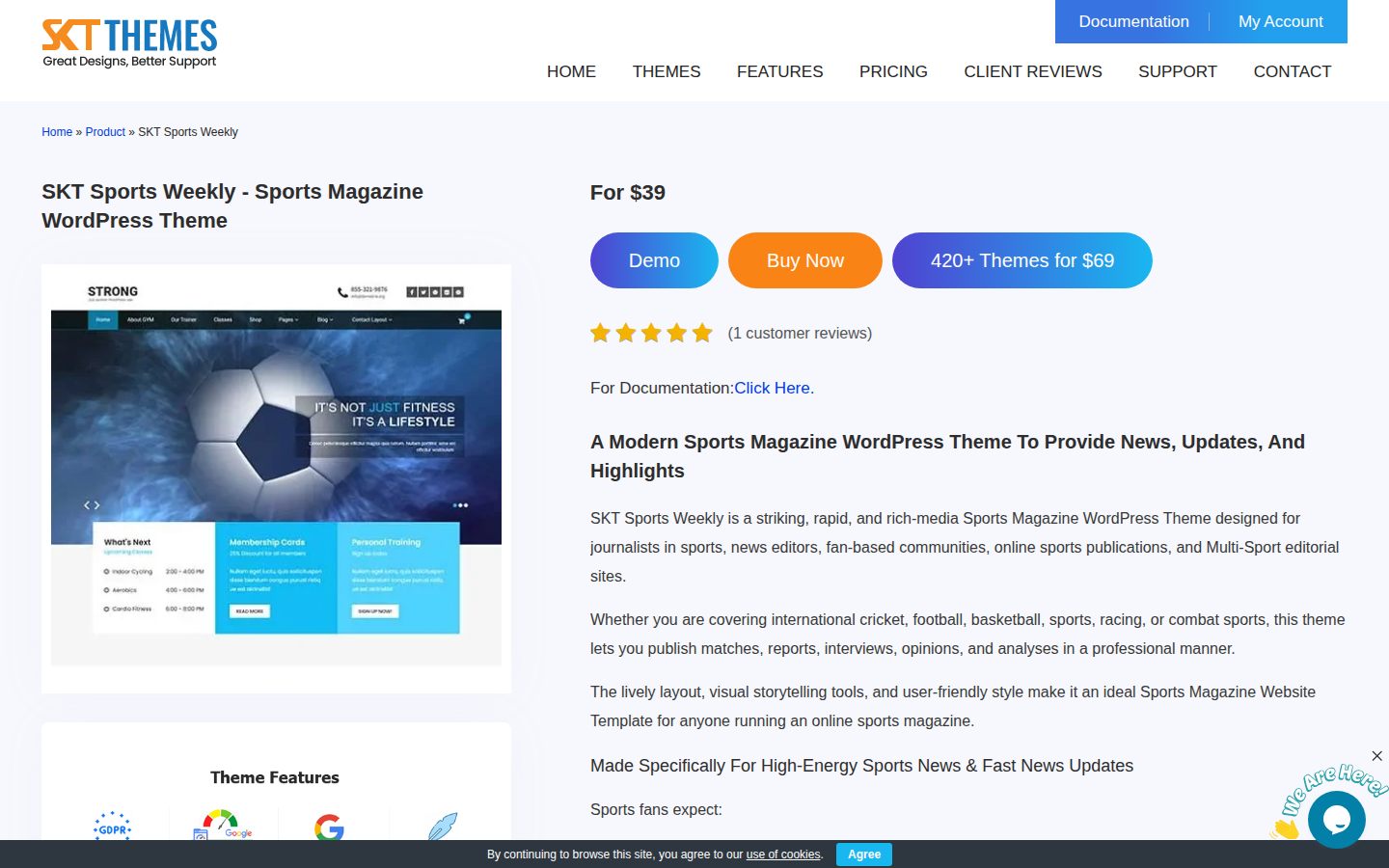
Buy a theme after you can describe the homepage in one sentence. “Next match, last result, three stories” is a sentence. “Immersive multimedia experience with 12 homepages” is a sales page. Child-theme the colour and the logo. Leave the queries alone until you have ten real posts.
If you are choosing themes more broadly, Top Premium WordPress Plugins and Themes is the site-wide shortlist. Do not install a page builder on top of a sports theme “just in case.” One layout system.
How to build the site in one pass
1. Name the desk
Write the categories before you install anything. A football beat might be: Match reports, Transfers, Injuries, Tactics, Table. A club site might be: Fixtures, News, Squad, Academy, Shop. If a post cannot land in one of those, it is not a post yet. This is the same discipline we use in the WordPress SEO guide — one URL, one job.
2. Put WordPress on hosting that survives a final
A sports homepage is image-heavy and bursty. Kickoff traffic is not “average monthly visitors.” Use a managed WordPress host with a real object cache and a CDN, then prove TTFB on a phone. Start with our compared list at /wordpress-hosting/. Do not put this site on a dead shared brand or a leftover review of a host we already redirected away from. If the server cannot hold the cache on a Saturday, no theme will save you.
3. Install the smallest plugin set
- SEO: Rank Math, already on this site. One focus keyphrase per URL. This page uses sports blog on WordPress.
- Fixtures (only if you need them): SportsPress. Import teams, then events. Do not hand-build tables in the block editor.
- Images: a compression plugin that keeps WebP. Sports photography is how you lose Core Web Vitals.
- Cache: whatever your host supports. Purge the homepage when a result changes. Headless stacks must revalidate the slug, not wait out ISR.
- Optional shop: WooCommerce on a separate template, not in the hero. See WordPress Ecommerce if merch is a real business.
4. Build the homepage from queries, not from a canvas
Featured post = sticky or a “Lead” tag. Lanes = category query loops. Scoreboard = SportsPress widget or a feed. When the lead story changes, you change one tag, not 14 nested sections. That is how a two-person desk ships a late equaliser.
5. Write the first ten posts as if search exists
Match reports need the opponent, the competition, and the date in the title. Preview posts need the kickoff. Explainers need a question in the H1. Thin “top 50 blogs” lists are how this URL used to look. Do not recreate it. Link internally to your own fixtures and to the hosting and SEO guides when those are the next action.
6. Prove it on a phone at kickoff
Throttle to 4G, accept the cookie banner, tap the next match, open the report. If the scoreboard jumps or the hero image is 3 MB, fix that before you commission a podcast block. Then stick this URL or your own launch post so the desk has a canonical how-to.
Editorial rules that keep a sports blog above the rest
The sites that last are boring in production. They publish on a clock. They update a result in one place. They do not leave “Lorem” in a scoreboard. They do not 301 their best URLs to a category because someone changed a permalink. They treat the homepage as a product.
- One live score source. If SportsPress is installed, it wins. If you paste scores into Gutenberg, you will drift.
- Featured images with captions that say what the photo is. The screenshots on this page are captioned because a sports reader uses the caption as a second headline.
- No orphan theme demos in production. Delete the “Hello world” and the imported soccer player nobody on your staff wrote.
- Redirect retired posts to a living URL in the same topic. That is how this site now treats thin guest posts: Rank Math 301, then trash, destination kept.
Launch checklist
- Categories named; first ten titles drafted.
- Hosting chosen from a current comparison, not a dead review. CDN on. Cache purge tested.
- Theme child-themed. Demo content removed.
- SportsPress only if fixtures are a product. Teams and one full match day entered.
- Homepage built from queries. Sticky lead works.
- SEO title, description, and one focus keyphrase on the homepage and this guide’s equivalent.
- Mobile pass during a live match window.
Do that, and you will outrank the listicles that still pretend a sports blog is a screenshot of someone else’s header. WordPress is the desk. The theme is paint. The hosting is whether you are still up when the stadium empties. Start with the desk.






Responses (4 )