

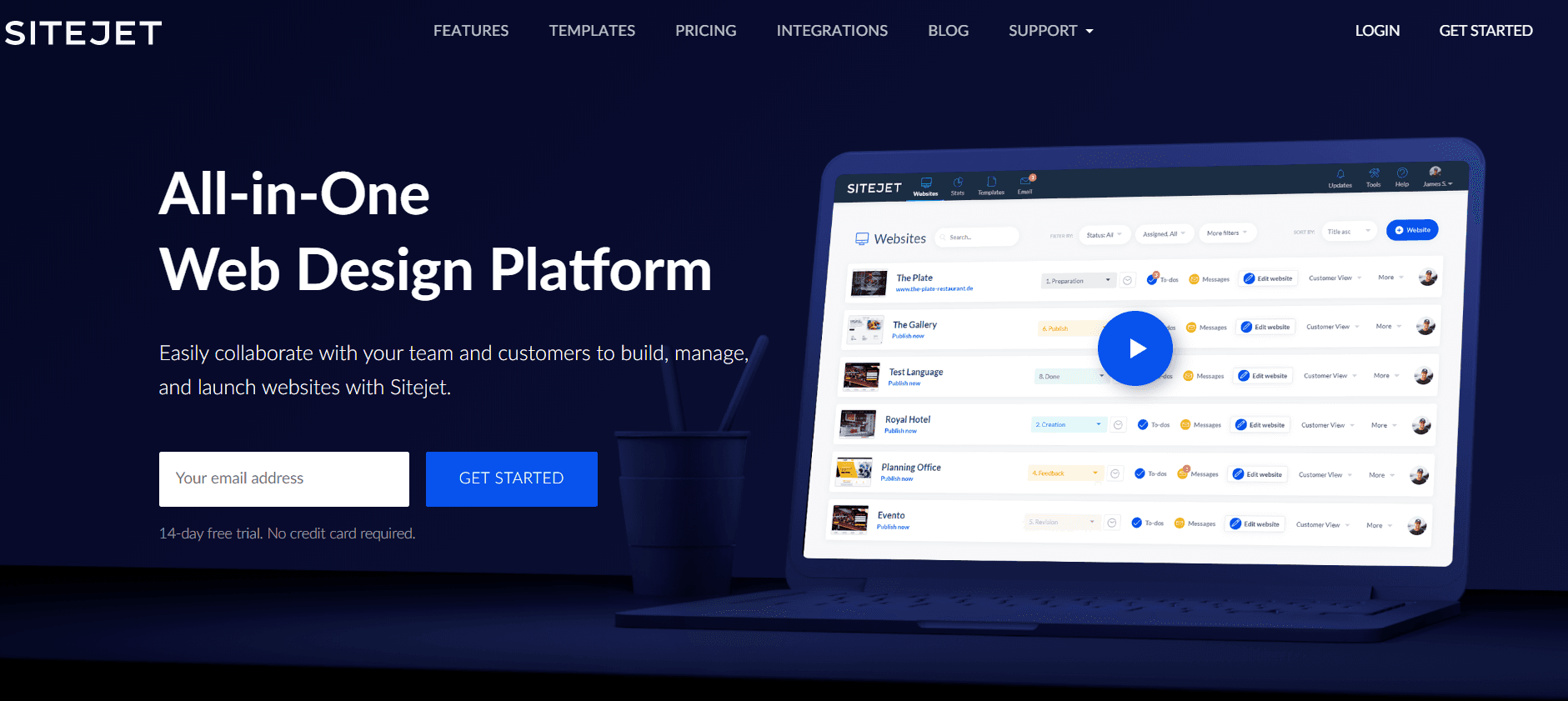
Sitejet is a hosted, no-code website builder aimed squarely at people who build sites for other people. That is an unusual position, and it is the reason a WordPress publication should care about it: Sitejet is not a WordPress plugin and never has been, but it ships free inside cPanel and Plesk, which means a large share of WordPress hosting customers already have access to it without realising. This review covers what Sitejet is in 2026, who owns it, what the two products cost, and the specific situations where it beats — and loses badly to — a WordPress build.
Who owns Sitejet, and why it matters
Sitejet was founded in Berlin and joined the WebPros group on 1 October 2021. WebPros is the company behind cPanel, Plesk and WHMCS — the control panels sitting underneath an enormous slice of the shared hosting market. Both founders moved across with the product, and billing moved to Plesk International GmbH.
That ownership explains almost everything about where Sitejet has gone since. In September 2023 WebPros launched Sitejet Builder for Plesk, a free, fully integrated version of the builder that publishes to the Plesk server itself. It is pre-enabled on new Plesk servers from 18.0.55 and is compatible from 18.0.54. A cPanel version followed, documented as the Sitejet Builder interface under cPanel's Domains section.
So there are effectively two ways to meet Sitejet: as a paid SaaS product at sitejet.io, or as a free builder your host already switched on. They are not the same thing, and the free panel-integrated version is the one most WordPress users will actually bump into.
Two products, easily confused
Sitejet now sells two distinct things, and the vendor's own comparison is the clearest summary:
- Sitejet Website Builder — for SMBs and creators building their own site. Simple editing, no client management.
- Sitejet Studio — for agencies and professionals building sites for clients. Adds multi-site management, team collaboration, project workflows, a client feedback portal and a ticket system for change requests.
Studio is the interesting product and the one the company clearly cares about. The Builder tier reads like a defensive play against the general-purpose hosted builders we cover in our best website builders roundup.
Pricing
Sitejet Studio has three tiers. All prices are exclusive of tax, and Sitejet states plainly that the service "is aimed exclusively at companies and business people."
- Solo — $15 per month. One hosted website included, one collaborator, hosting included, project management, AI writer and translations, customer feedback and collaboration portal, ticket system, ecommerce, SEO tools. Additional hosted websites cost $15 per month each, billed annually.
- Team — $29 per month. Three collaborators. Adds the Project Manager API, website export, white-label branding with a custom domain, and a mail transfer tool. Additional hosted websites drop to $8 per month each, billed annually.
- Agency — $49 per month. Ten collaborators, plus the Collection API. Additional hosted websites drop to $5 per month each, billed annually.
Every Studio plan includes the CMS, a CRM, a self-service customer portal, hosting and basic support. Domain registration is available inside the platform from $7.82 per year for a .de and $8.99 per year for a .com, across more than 50 TLDs, and you can bring your own domain.
The Sitejet Website Builder side is sold as a Starter plan covering one published website, with additional websites at $9 per month each billed annually or $10 per month billed monthly. It includes the AI website builder and AI writer, templates and pre-designed sections, hosting with SSL and backups, domain registration, XOVI-powered SEO tools, and commerce for up to five products.
The trial is unusually generous
This is Sitejet's best commercial idea and worth understanding precisely. You get 14 days with every Team feature unlocked and no credit card required. When the trial ends you are downgraded to Solo — and Solo remains free until the moment you publish or export a website. You are only charged when you ship something.
For an agency evaluating a new production tool, that is close to ideal: you can build a real client site end to end, show it to the client, and only pay if they approve it.
What the editor is actually like
Sitejet's pitch is an on-page, no-code drag and drop editor with a large element library, and an AI layer on top: an AI website generator that turns a business description into a full draft with layout, imagery and copy; an AI content writer for headlines and page copy; and automatic font and colour pairing suggestions. There is also a one-click content importer that pulls text and images from an existing site into a new project — a genuinely useful feature when you are rebuilding a client's tired site rather than starting blank.
The parts that differentiate Studio from a general builder are the workflow features, not the canvas: a project manager dashboard tracking websites, clients, tasks and deadlines; a client portal where customers upload files, edit their own content and leave on-page feedback; and a ticket system for change requests. If you have ever managed client revisions over email, you already know why that matters more than another animation option.
Custom HTML, CSS and JavaScript can be added for advanced work, so it is not a sealed box — but it is not a development environment either.
Who Sitejet is for
- Agencies and freelancers producing a high volume of small brochure sites, where per-site build time is the whole business model and client revision churn is the main cost. This is the use case Sitejet is designed around, and it is credible at it.
- Hosts and resellers already on Plesk or cPanel, who can offer a builder to customers without integrating anything.
- Small businesses that need a competent five-page site quickly and have nobody to maintain WordPress.
Who it is definitely not for
- Anyone who needs an extensible CMS. There is no plugin ecosystem, and there is no Sitejet plugin in the WordPress.org directory. If your requirement list contains a membership system, a learning platform, a booking engine or a bespoke post type, this is the wrong tool and no amount of AI generation changes that.
- Content-heavy publishers. Editorial workflow, taxonomies and archive templates are WordPress's home turf.
- Serious ecommerce. Five products on the Starter tier is a shop window, not a store. Compare that against what you get from a WordPress ecommerce setup.
- Anyone on Solo who might later want to leave. See below — this is the single biggest catch.
Real limitations
- Website export is gated behind the $29 Team tier. On Solo you cannot take your site elsewhere. For a tool sold to agencies, putting portability behind the second paywall is the least comfortable thing about the pricing, and it is worth factoring into any long-term client commitment.
- Hosting is tied to the subscription. Sitejet is explicit: cancel, and while your projects remain in your account, sites hosted with Sitejet are no longer accessible to third parties. Your client's live site depends on your billing status.
- Every extra site costs extra on every tier. The headline $15, $29 and $49 figures each include exactly one hosted website. A ten-site agency on Team is paying the base fee plus nine additional-site fees.
- Prices exclude tax and the service is business-only. Budget accordingly, and note that consumers are not the intended customer.
- Product naming is genuinely confusing. Sitejet Studio, Sitejet Website Builder, and the free Sitejet Builder inside Plesk and cPanel are three different experiences sharing one brand. Support answers you find online may not apply to the version you are using.
- You are renting the platform. Unlike a WordPress site, you do not own the software, and the roadmap belongs to WebPros.
Sitejet versus WordPress
The honest comparison is not feature-by-feature, it is about where your time goes. A WordPress build costs more hours up front — theme, plugins, updates, backups, security — and pays you back in flexibility and ownership. Sitejet costs fewer hours up front and pays you back in predictable client throughput, but caps what the site can ever become.
If you are weighing that decision properly, our website builders versus WordPress piece frames the trade-off, and the pros and cons of the popular website builders puts Sitejet's competitors side by side. If what actually attracted you was the visual editing rather than the hosted platform, you can get most of that inside WordPress — our page builder comparison and our Elementor review cover the realistic alternatives, and AI website builders for WordPress covers the generate-a-draft workflow without leaving the platform.
Agencies weighing Sitejet as a production tool should also read it against the economics in our guide to working as a custom WordPress freelancer, because the real question is whether the per-site subscription is cheaper than the hours it saves.
The verdict
Rating: 3.5 out of 5 — a strong product held back by portability and per-site pricing.
Sitejet Studio is a well-designed answer to a real problem, and the client portal and feedback workflow are better than what most agencies improvise. The free trial is fair, and the free Plesk and cPanel integration is a genuinely good deal if your host offers it.
It loses a point and a half for two things a WordPress audience should weigh heavily: export is a paid upgrade, and your client's live site stops being publicly reachable if the subscription lapses. Those are structural, not fixable by a feature release. Use Sitejet where the site is genuinely disposable and the speed matters — a campaign microsite, a small local business, a client who will never touch the thing again. For anything you expect to still be growing in five years, build it on something you own.
Who owns Sitejet?
Sitejet joined the WebPros group on 1 October 2021. WebPros is also the company behind cPanel, Plesk and WHMCS, and both Sitejet founders moved across with the product. It is not owned by GoDaddy, although GoDaddy hosting plans built on Plesk have surfaced the bundled Sitejet Builder to their customers.
Is there a Sitejet plugin for WordPress?
No. Sitejet is a hosted platform rather than a WordPress plugin, and there is no Sitejet plugin in the WordPress.org directory. There is a free Sitejet Builder integrated into cPanel and Plesk, but that is a different thing from the paid Sitejet subscription and it does not run inside WordPress.
How much does Sitejet cost?
Sitejet Studio is $15 a month for Solo, $29 a month for Team and $49 a month for Agency, all excluding tax, and each tier includes exactly one hosted website. Additional hosted sites cost $15, $8 or $5 a month respectively when billed annually. The separate Sitejet Website Builder Starter plan covers one published site, with extra sites from $9 a month billed annually.
Can I export a website built in Sitejet?
Only on the Team tier and above. Website export is not included on Solo, so on the entry plan you cannot move a finished site elsewhere. Settle this before you commit a client project to the platform.
What happens to my website if I cancel Sitejet?
Your projects remain available inside your account, but any website hosted by Sitejet stops being accessible to visitors once the subscription expires. A live client site therefore depends on an active plan.
Responses (2 )