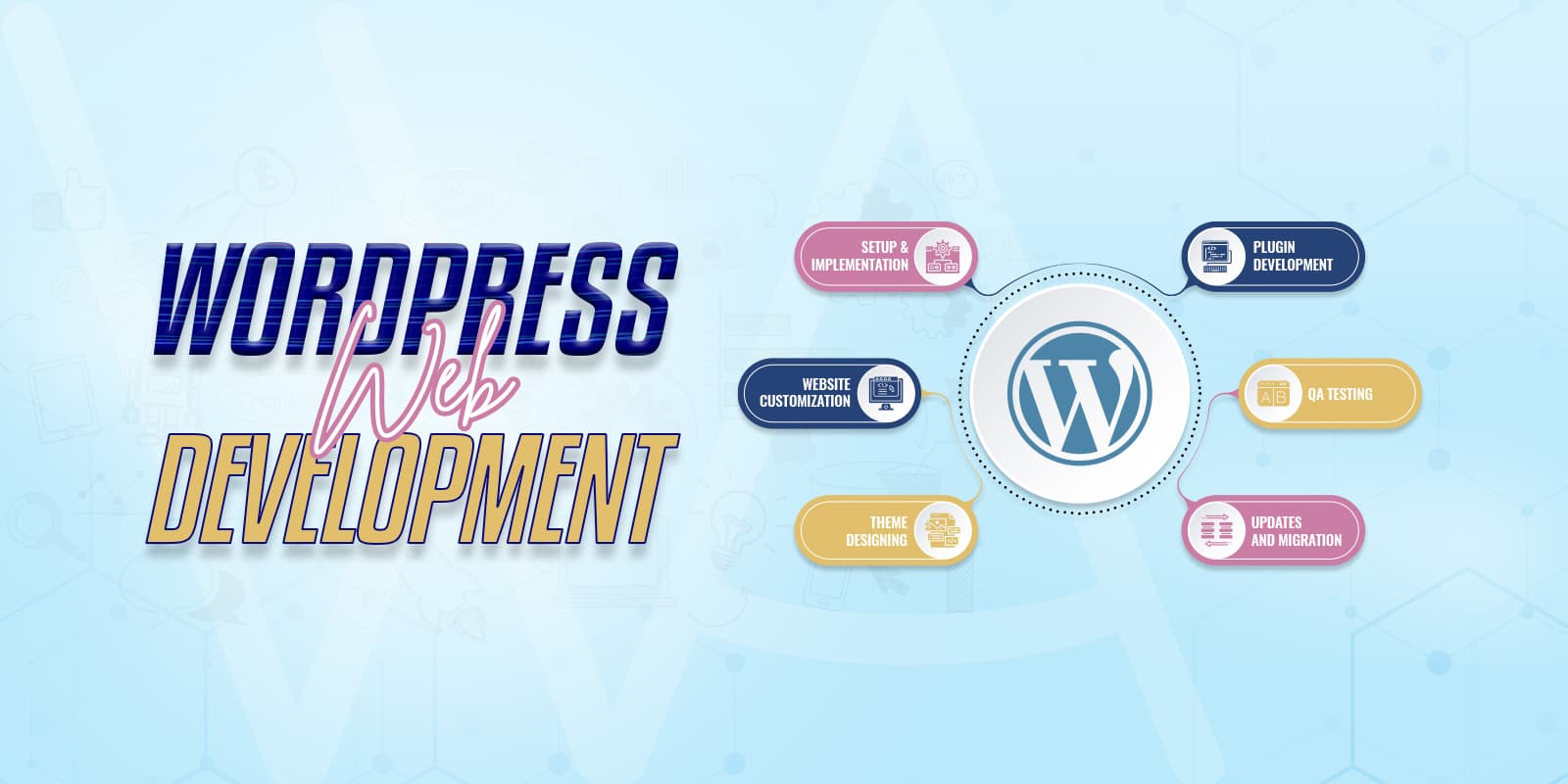
Use this product to book a WordPress development project with WPArena. The listed price is a starting project fee for a clearly bounded piece of work — for example a template, integration, or editorial workflow — not an unlimited build.
What happens after purchase
- We confirm the pages and workflows in scope.
- We agree acceptance checks, staging, and rollback.
- Larger builds are quoted before extra work starts.
Hosting, licenses, and third-party apps are extra. If the work is mainly visual, the Theme Integration service may be a better fit.
Frequently asked questions
Is $1,499 the full price of a project?
It is the starting project fee, not a flat rate for unlimited work. It covers a scoped piece of development with confirmed pages, workflows, and acceptance checks. Anything outside that agreed scope is quoted before it starts, so the number never moves without you approving it.
Do you write custom plugins or edit the theme’s PHP?
Custom behaviour goes in a small site-specific plugin or a must-use plugin wherever it can, not in theme files. That way a theme change or a theme switch does not take your functionality with it. Template-level work belongs in a child theme.
Can you build on top of WooCommerce, an LMS, or a membership plugin?
Yes, and the usual answer is to extend what the plugin already exposes through its hooks rather than to fork it. We check whether the plugin supports what you want before quoting, because an unsupported change becomes a maintenance bill later.
Will the work be tested somewhere other than my live site?
Yes. Development happens on staging with a defined list of acceptance checks, and the deployment plan and rollback point are agreed before anything reaches production.
Do you do headless or API work?
Yes. WPArena’s own frontend is a headless Next.js app talking to WordPress over GraphQL and REST, so headless builds, custom endpoints, and third-party API integrations are in scope. Expect a frank conversation about whether headless is worth it for your site first.