

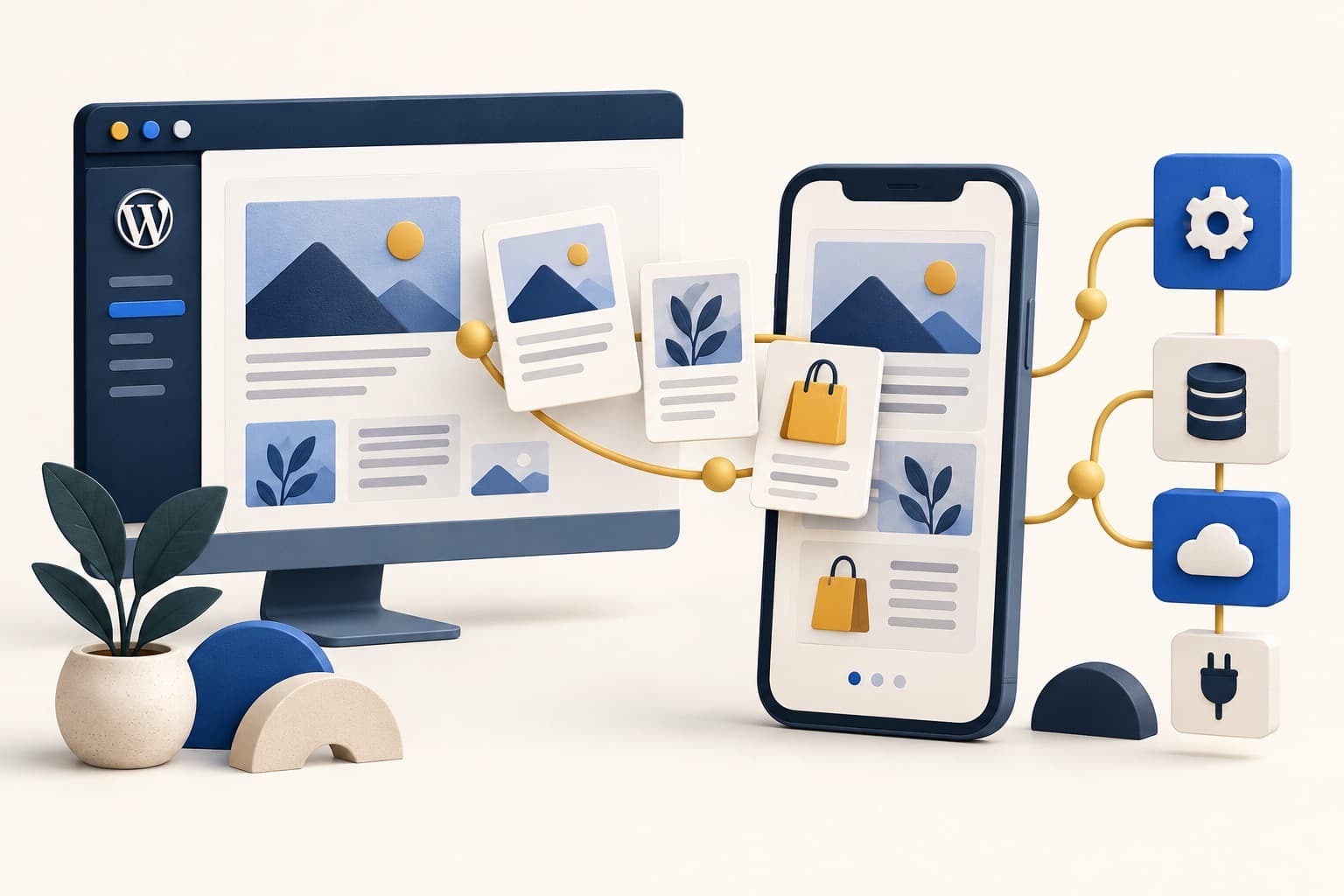
WordPress → mobile app
Choose the team that can connect your existing site to a useful mobile experience. For a WordPress publisher, WooCommerce store or membership business, the difficult work is usually accounts, content, payments and ongoing maintenance—not putting a website inside a phone-shaped frame.
If you are comparing mobile app development companies for a WordPress project, start with the route you need. A specialist app service may reuse much of your website. A community app platform may already support your courses and member activity. A custom agency can build a distinct product, but you must define how it will work with WordPress.
Editorial approach: This is a shortlist by project fit, not a numbered performance ranking. We checked the linked provider pages and technical documentation on September 19, 2026. Provider descriptions are not hands-on benchmarks or guarantees of compatibility. Disclosure: WPArena is part of TechAbout, which is included below. The BuddyBoss link is an affiliate link; WPArena may earn a commission if you purchase through it.
Mobile app providers to shortlist for WordPress
These five options cover different ways to build. The first three are WordPress-oriented products or services; the final two are agencies to assess for a custom scope. Send the same requirements to each relevant provider before comparing proposals.
| Provider | Type and likely fit | Decisive question |
|---|---|---|
| MobiLoud | Managed app service for an established WordPress website or store | Can a preview complete your actual login, cart and checkout flows? |
| BuddyBoss | App platform for a WordPress community, membership or course business | Which features are native, which use web fallbacks, and which cost extra? |
| AppPresser | WordPress app builder with custom-development services | Does it support your exact plugins and custom content types? |
| Goji Labs | Custom product strategy, design and app development | Can the team demonstrate a comparable WordPress integration? |
| TechAbout | Custom web/mobile development and integration scope | What will remain in WordPress, and what will the app team own? |
MobiLoud
MobiLoud describes a service that brings an existing WordPress site into iOS and Android apps with native navigation, push notifications and related integrations. It is a candidate when you want to retain a working website experience rather than rebuild every screen.
Verify: Test your checkout, cookie consent, external payment redirects and login persistence in its preview. Clarify offline behavior and which custom native features are included.
Ownership: Its published terms distinguish your developer accounts and app listings from its proprietary app platform. Ask what happens to the app if the service ends.
BuddyBoss
BuddyBoss offers a WordPress-connected app platform for communities, courses and memberships. Its documentation explains the required WordPress plugins and how the app connects to the site.
Verify: Map your course player, discussions, messages, subscription access and account settings. Some WordPress pages may need a web fallback instead of a native screen; that distinction matters for usability and offline expectations.
Budget: Confirm the app package, publishing service and any web-platform or membership licenses separately.
Explore BuddyBoss · Connection requirements · App platform overview
AppPresser
AppPresser specializes in apps that integrate with WordPress. Its WordPress plugin connects the site to the app-building service; installing the plugin alone does not produce a finished app. The company also offers custom app development.
Verify: List every essential plugin, custom field and member role. Request a demonstration of supported integration behavior rather than assuming the app reproduces your theme.
Fit: Consider it when your WordPress team wants a builder-led route with the option to scope additional development.
Goji Labs
Goji Labs publishes services in product strategy, design and app development, with WordPress, iOS and Android represented in its technology stack. That makes it a candidate for a discovery conversation when your app needs its own product design.
Verify: Ask for a relevant integration example and identify the people responsible for WordPress, mobile development, accessibility and release management. A listed technology is not proof that a specific plugin is supported.
Fit: A custom brief with workflows that a standard app service cannot adequately demonstrate.
TechAbout
TechAbout lists web and mobile app development, cross-platform app services, and WordPress-to-Next.js work. A potential engagement should define how WordPress content and accounts connect to the app and any other business systems.
Relationship: TechAbout operates WPArena. Its inclusion is disclosed and is not an independent endorsement or a claim that it outperforms the other providers.
Verify: Request a written integration plan, relevant work, milestone acceptance criteria and a clear maintenance agreement. Confirm scope and pricing in a current proposal.
Choose the app approach before the company
An app should solve a recurring user need: returning to a course, checking an order, reading saved articles or participating in a community. If visitors only need a readable website and a contact form, improving the mobile site may deliver more value than adding another product to maintain.
| Approach | Choose it when | Tradeoff to resolve |
|---|---|---|
| Responsive site or progressive web app | Your core task works well in a browser and store distribution is not essential. | Check installation, notification and offline behavior on the browsers your audience uses. |
| Website-based app service | You want to retain existing WordPress layouts and plugin-driven journeys. | Demonstrate device integrations and store readiness; do not assume every web interaction feels right in an app. |
| WordPress-focused app platform | Your community, course or content needs align with the platform’s supported features. | Confirm plugin compatibility, customization limits and ongoing license costs. |
| Custom native or cross-platform app | You need a distinct interface, complex device features or carefully designed offline workflows. | Budget for API work, mobile releases and testing across both the site and the app. |
How WordPress connects to a mobile app
In an API-based build, WordPress remains the content system while the app renders its own screens. A website-based service may instead reuse web pages for much of the experience. Ask the provider to show which approach applies to each important screen.
- 1. WordPressPosts, media, products and membership records remain under a defined editorial and data workflow.
- 2. Integration layerAPIs, authentication and permission checks decide which information each request can read or change.
- 3. Mobile experienceThe app presents screens, handles device features and sends permitted actions back to the service.
The WordPress REST API provides a foundation for working with WordPress data. Custom fields, custom post types and plugin actions may need additional endpoint configuration or development. A good proposal identifies those gaps before promising that everything will synchronize.
Accounts need their own design. The WordPress authentication documentation explains supported mechanisms and their context. Do not embed a shared administrator password or privileged API secret in an app distributed to users. Require least-privilege access, server-side permission checks, session expiry and a tested logout flow.
For WooCommerce, distinguish the Store API, which supports customer-facing product, cart and checkout interactions, from privileged store-management operations. Your developer should document sessions and authorization rather than exposing management credentials to the client.
Requirements that matter for WordPress projects
- Publishing: Check Gutenberg blocks, custom fields, taxonomies, embeds, image sizes and content updates. Drafts and private content must stay protected.
- Commerce: Demonstrate product variations, coupons, taxes, shipping, inventory changes, failed payments and refunds using the actual gateway setup.
- Memberships: Verify registration, password recovery, access after cancellation, subscription expiry and multiple roles. The app must not grant access merely because a screen is hidden.
- Notifications: Agree on opt-in, segmentation, frequency and the destination opened by each notification. Avoid sending sensitive content in notification previews.
- Offline use: Specify exactly what remains available without a connection, how long it is retained and how edits or expired access are reconciled.
- Performance: Test with realistic content and logged-in users on slower connections. Your WordPress hosting still supports the data and authenticated traffic.
- Accessibility: Check screen-reader labels, text scaling, focus order, touch targets and error messages on both platforms.
Compare the full cost, not an hourly-rate badge
Ask for a first-year total and a separate renewal or maintenance estimate. A low development quote can omit API work, store submissions, plugin licenses or the next operating-system update. A subscription service can include some of that work while retaining ownership of its platform.
| Budget line | What the proposal should state |
|---|---|
| Discovery and design | Research, screen inventory, prototype, revisions and acceptance criteria. |
| Build and integration | Mobile screens, WordPress endpoints, authentication, plugin work and data migration. |
| Accounts and services | Developer accounts, app platform, hosting, notifications, maps and analytics. |
| Launch | Device testing, store assets, privacy declarations, submission and rejection-response work. |
| Ongoing operation | Bug fixes, security updates, WordPress/plugin compatibility, OS support and incident response. |
| Exit and handover | Source-code rights, documentation, credentials, export options and transition assistance. |
A project brief you can send to developers
Our WordPress site: [URL, hosting, theme, key plugins and versions].
Audience and purpose: [Who returns to the app and the task it helps them complete].
Five required journeys: [For example: sign in, browse a course, resume a lesson, receive a notification and cancel a plan].
Data and access: [Public content, protected content, user roles, payments and integrations].
Platforms and device features: [iOS, Android, offline content, camera, location or downloads].
Delivery expectations: [Budget range, desired timing, test devices, ownership, maintenance and measurable acceptance checks].
Evidence requested: A comparable live app, a demonstration using our staging site, an integration diagram and a written first-year cost breakdown.
Before approving the final release
- Test with real roles: use ordinary customer and member accounts, not just an administrator login.
- Test interruptions: expired sessions, network loss, duplicate taps and an app that resumes after being closed.
- Check web-to-app links: product and article URLs should open the correct destination, with a usable browser fallback.
- Review store requirements: the provider should map your app’s functionality, accounts and payment model to current Apple review guidelines and Google Play policies. A simple wrapper is not a guarantee of approval; digital purchases and physical goods can require different treatment.
- Rehearse recovery: use a staging environment, establish WordPress backups and define how to roll back a broken integration.
- Verify handover: confirm who controls developer accounts, listings, signing assets, analytics and the release pipeline before the final invoice.
What a mobile app changes—and does not change—for SEO
An app launch is not a substitute for a useful, crawlable WordPress website. Keep public articles and product pages available at stable web URLs, maintain descriptive metadata and preserve existing redirects. App-only screens should not become the only way a visitor can read public content or discover a product.
Plan app links around those web URLs so a shared link still works for someone who has not installed the app. Treat search visibility and app-store discovery as separate workstreams. Start with our WordPress SEO guide and, for store projects, the WordPress eCommerce guide.
Frequently asked questions
Can I turn an existing WordPress site into a mobile app?
Yes, but the amount of rebuilding depends on the approach. A website-based service may reuse the current pages; a custom app usually needs its own screens and API integrations. Test essential plugins and user journeys before choosing.
Is an app builder the same as a development company?
No. A builder supplies a platform with defined capabilities and limits. An agency sells a scoped development service. Some providers offer both, so ask which work is included in your package and which requires a separate agreement.
Will all my WordPress plugins work in the app?
Do not assume so. A plugin may depend on browser scripts, theme templates or endpoints that a native interface does not use. Ask for a compatibility matrix with each critical feature demonstrated.
Can WordPress remain the backend for a custom app?
Yes. The app can consume WordPress data through APIs while using a separate interface. Authentication, permission checks, caching and plugin-specific operations still need deliberate implementation.
How do I choose between these providers?
Shortlist by approach, then compare the same demonstration and ownership requirements. MobiLoud, BuddyBoss and AppPresser are starting points for their respective WordPress-oriented models; assess an agency when those models do not meet your documented needs. Select on demonstrated fit and support terms, not a list position.



Responses (9 )