

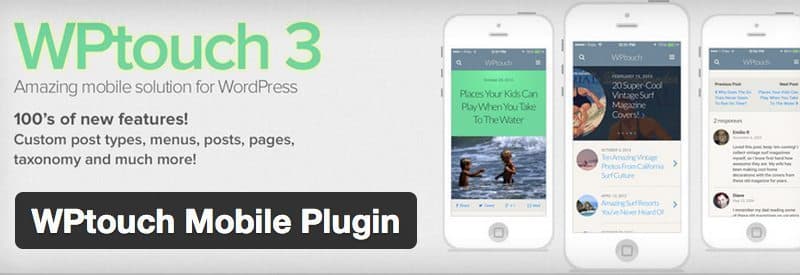
A mobile-friendly WordPress site should let a reader use the same essential content and functions on a narrow screen. Begin with a responsive layout, then check navigation, text, media and forms on actual public pages.
Use a consistent responsive layout
Google's mobile-first indexing guidance recommends responsive design and explains the importance of equivalent content and metadata. A separate mobile hostname adds routing and canonical requirements; do not introduce one just to make a theme fit a phone.
Check that important text, headings, images and structured data remain available on mobile. Content hidden behind an interaction may be harder for crawlers to discover. A theme demo or a “responsive” label is not a substitute for checking the finished site.
Check the reading experience
- Confirm that text is readable without horizontal scrolling.
- Open menus and confirm that their links are reachable.
- Check tables, code samples and long URLs for overflow.
- Make buttons and form controls usable with touch and keyboard navigation.
- Check that banners and popups do not obscure the article or controls.
Measure loading behavior
Use PageSpeed Insights to investigate a representative article, archive and landing page. Compare its findings with a real mobile session. Large images, late-loading fonts and scripts can affect the reading experience even when the layout fits the screen.
Test important flows
Try search, pagination, login and any checkout flow using test data where appropriate. Verify error messages as well as successful navigation. Repeat the checks after a theme, plugin or frontend update; a change that looks harmless on desktop may affect a small screen.
A mobile app is a separate product decision. It does not replace the need for a usable mobile website.




Responses (0 )