A one-month maintenance engagement for an existing WordPress site. WooCommerce Subscriptions is not used; buy again when you want another month, or ask about a longer retainer.
Typical coverage
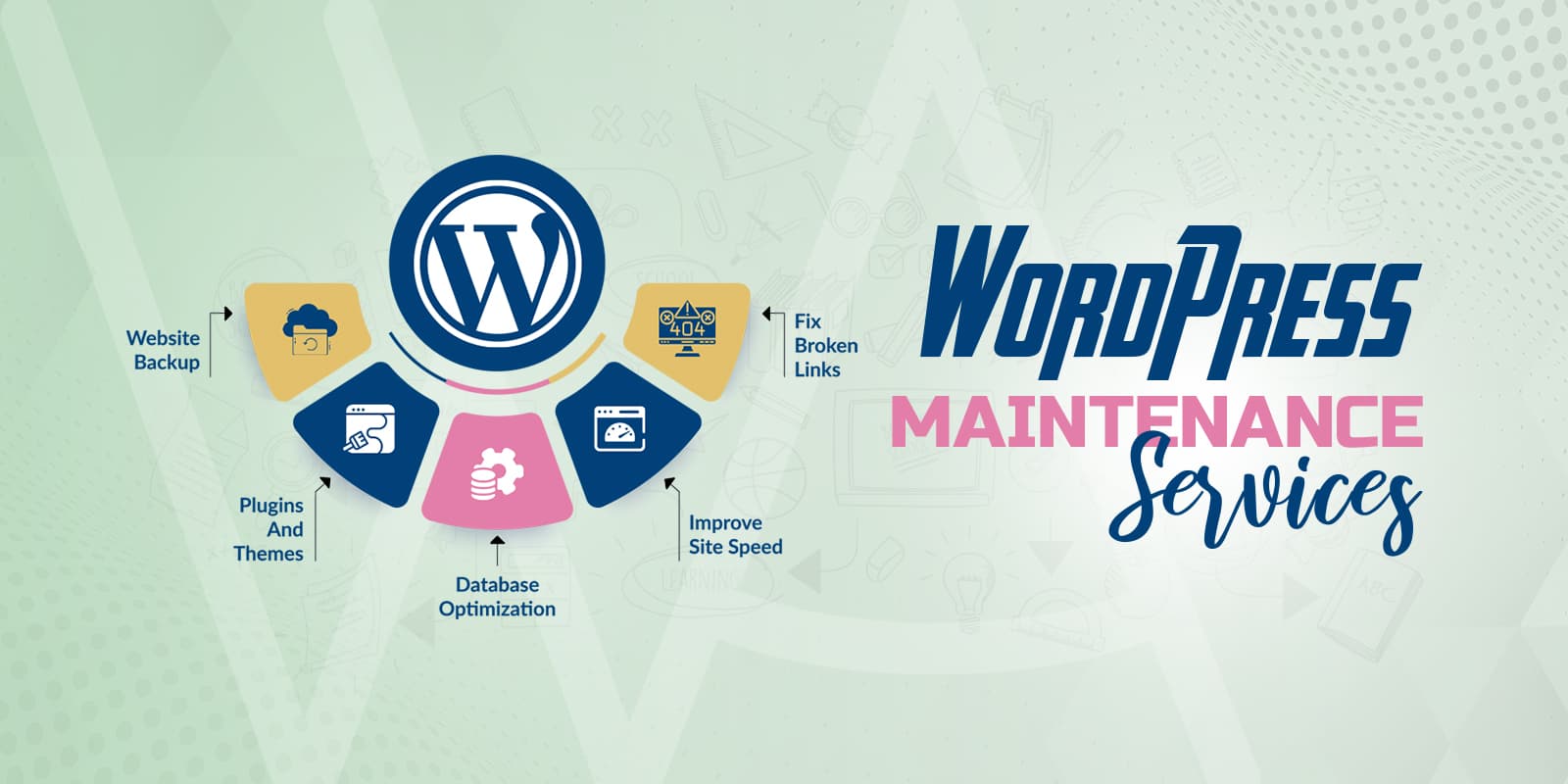
- Core, plugin, and theme updates you approve.
- A recoverable backup before risky changes.
- A check of public pages and any login, form, or checkout you name.
- A short record of work and open issues.
This is not continuous 24/7 monitoring and does not include new feature development. Outages should be described in the order notes (no passwords).
Frequently asked questions
Is this a subscription?
No. This is one month of agreed work, bought once. There is no Subscriptions plugin on this store and no recurring charge, so nothing renews on its own u2014 buy another month when you want another month.
Do you update plugins without asking?
Routine security and point releases go ahead as agreed at the start of the month. Major version jumps, anything that changes how the site behaves, and anything that touches a paid plugin licence get raised with you first. Every update is listed in the short work record at the end of the month.
What happens if an update breaks the site?
A backup point is taken before any risky change, so the first step is rolling that change back and telling you. Then we find out whether the conflict is in the plugin, the theme, or the hosting stack, and give you options rather than repeating the same update.
Does this include hosting or a backup service?
No. Hosting, your backup provider, and any paid plugin or theme licences stay on your accounts and your billing. We work inside what you already have and flag it if a plan or licence has lapsed.
Can you maintain a site you did not build?
Yes u2014 that is the usual case. The first month usually includes a look at what is installed, what is abandoned, and which users still have access, because that is where most maintenance surprises come from.