
Best LMS WordPress Themes for Online Courses
A good LMS theme should do more than make a course page look polished. It has to work with the learning plugin you trust, keep checkout simple, make lessons easy to browse, and avoid loading so much design baggage that students leave before they enroll.
This guide focuses on premium LMS WordPress themes that fit real online-course projects: solo creators, academies, universities, coaching businesses, corporate training sites, and course marketplaces. The picks below lean toward actively maintained ThemeForest education themes with strong LMS workflows, useful demos, and enough flexibility to grow with your course catalog.
Quick Comparison
| Theme | Best for | LMS fit | Why it made the list |
|---|---|---|---|
| Eduma | Most online schools | LearnPress | Large education demo library, mature LearnPress workflow, strong marketplace visibility. |
| MasterStudy | Course marketplaces | MasterStudy LMS | Built around selling courses, instructors, lessons, quizzes, and marketplace-style navigation. |
| EduMall | Tutor LMS schools | Tutor LMS | Clean course catalog UX, Elementor editing, and layouts made for modern e-learning brands. |
| Course Builder | LearnPress academies | LearnPress | A focused ThimPress option for creators who want fewer distractions than a huge multipurpose theme. |
| EduBlink | Modern education brands | Course and education layouts | Fresh design language, strong page templates, and a good fit for coaching or academy sites. |
| Edubin | Teams comparing LMS plugins | LearnDash, LearnPress, Tutor LMS, LifterLMS, Sensei, MasterStudy | One of the more flexible options when plugin choice is not final yet. |
How to Choose the Right LMS Theme
Start with the learning plugin, not the homepage demo. A theme can make the first screen look impressive, but the LMS plugin controls the hard parts: course structure, lessons, quizzes, student accounts, certificates, memberships, payments, reporting, and instructor workflows.
- Choose LearnDash first if you want a mature premium LMS plugin and plan to build serious courses, memberships, or corporate training. WPArena's LearnDash strategy guide is a good next read before you commit.
- Choose Tutor LMS first if you want a polished course-builder experience and an ecosystem that works well for marketplaces, academies, and creator-led schools.
- Choose LearnPress first if you like the ThimPress ecosystem and want a theme that was designed around LearnPress from the start.
- Choose a multi-LMS theme if the project is still in discovery and the final LMS plugin has not been selected.
Before buying any theme, check the changelog, recent support comments, WordPress compatibility, PHP requirements, page builder dependency, bundled plugin update policy, and refund rules. Also plan your foundation: good WordPress hosting, a tested backup plugin, a basic WordPress security setup, and a performance pass using our WordPress speed optimization guide.
Best LMS WordPress Themes
1. Eduma - Best Overall LMS WordPress Theme
Best overallLearnPressEducation demos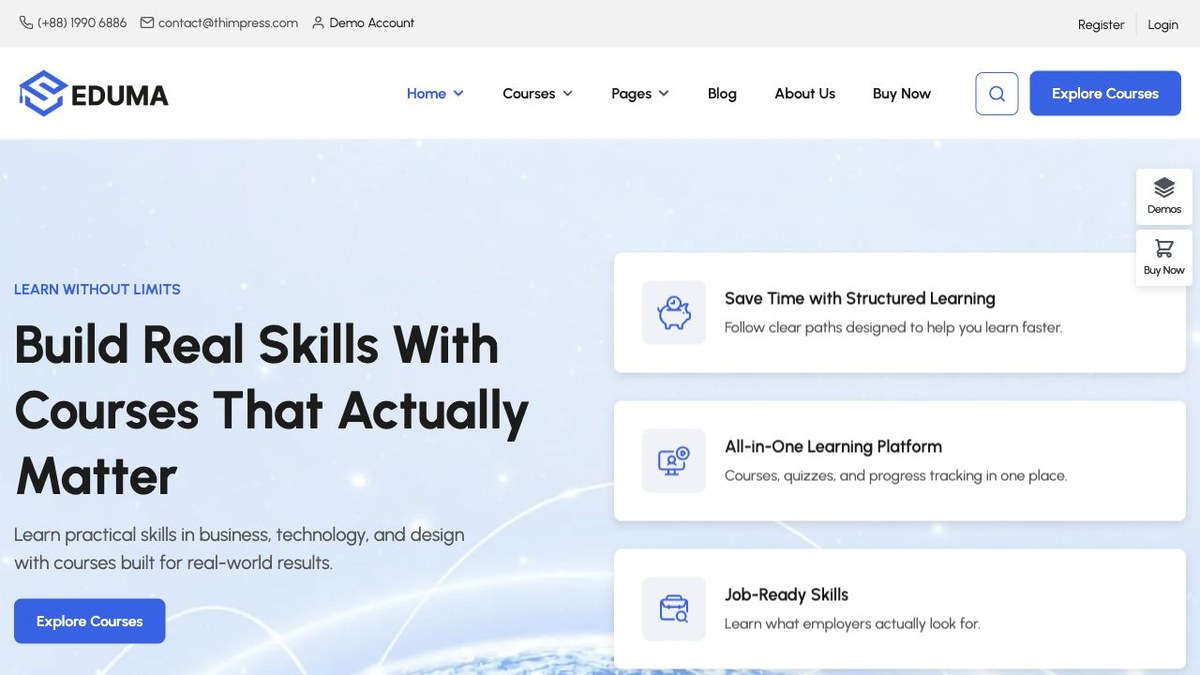
Eduma is the obvious starting point for many online-course projects because it has been built around the LearnPress ecosystem for years. It suits academies, course hubs, schools, coaching sites, language schools, universities, and niche education businesses that want a proven ThemeForest education theme rather than a blank design framework.
The main advantage is speed of setup. You can start from a relevant demo, shape the course archive, adjust lesson pages, connect payments, and publish a credible school without designing every screen from scratch. The tradeoff is that Eduma is a large theme, so it needs disciplined plugin choices and a performance pass after import.
Choose Eduma if: you want the safest Envato pick for a LearnPress-powered course site and prefer a mature theme with a long public track record.
2. MasterStudy - Best for Course Marketplaces
MarketplaceInstructorsCourse sales
MasterStudy is built for sites where courses are the product, not just a side section. It makes sense for training businesses, instructor-led academies, and projects that need a marketplace-style course catalog with clear search, course cards, instructor pages, lessons, quizzes, and sales flow.
It is best when you are comfortable using the MasterStudy ecosystem for the LMS layer. That tighter pairing can be a strength because the theme and LMS experience feel more unified. It can also be a constraint if your client already chose LearnDash, Tutor LMS, or another plugin.
Choose MasterStudy if: your site needs to feel like a real learning platform with instructors, course browsing, and a stronger commercial course experience.
3. EduMall - Best Tutor LMS Theme
Tutor LMSElementorModern academy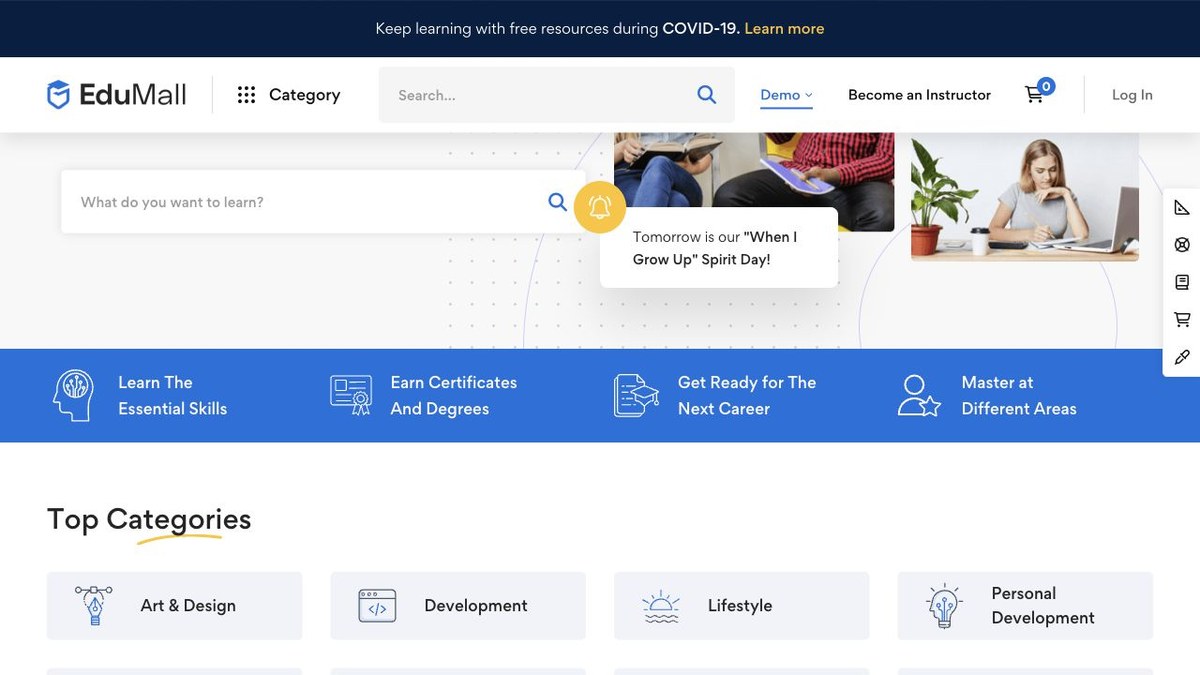
EduMall is one of the better choices when Tutor LMS is already your preferred plugin. It has the polished catalog, course detail, instructor, and student-facing patterns that make an online academy feel organized instead of patched together.
The visual style is cleaner than many older education themes, which helps if you are building a premium coaching brand, skill academy, business training site, or course marketplace. The best use case is a serious course website where the owner expects to publish more than a handful of lessons.
Choose EduMall if: you want Tutor LMS as the center of the site and you care about course browsing, learner experience, and a modern editorial look.
4. Course Builder - Best Focused LearnPress Option
LearnPressCourse builderLean setup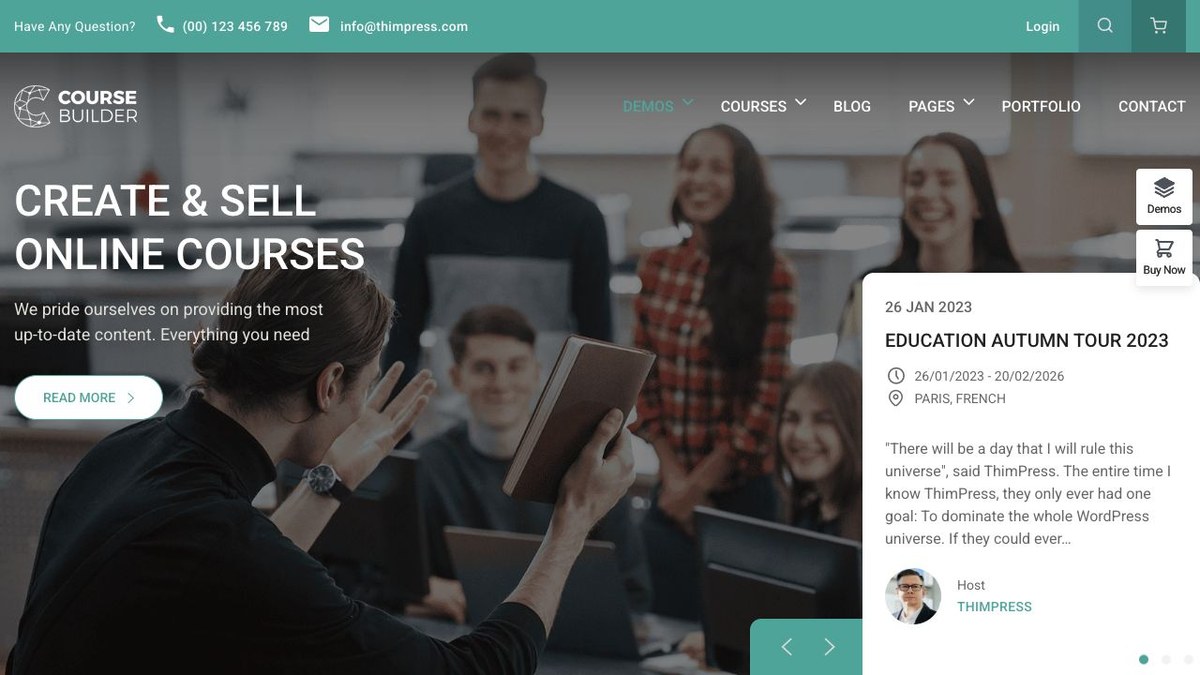
Course Builder is a good alternative to Eduma when you like the LearnPress direction but do not want a theme that tries to cover every education niche under the sun. It is still a full LMS theme, but the positioning feels more focused on selling and delivering courses.
Use it for small academies, coaches, professional training, or creators who want a dedicated online-course site rather than a broad school/university theme. It is especially useful when the course catalog matters more than a large multipurpose homepage library.
Choose Course Builder if: LearnPress is your LMS choice and you want a practical course-selling theme with less visual clutter.
5. EduBlink - Best Fresh Design for Education Brands
Fresh designElementorCoaching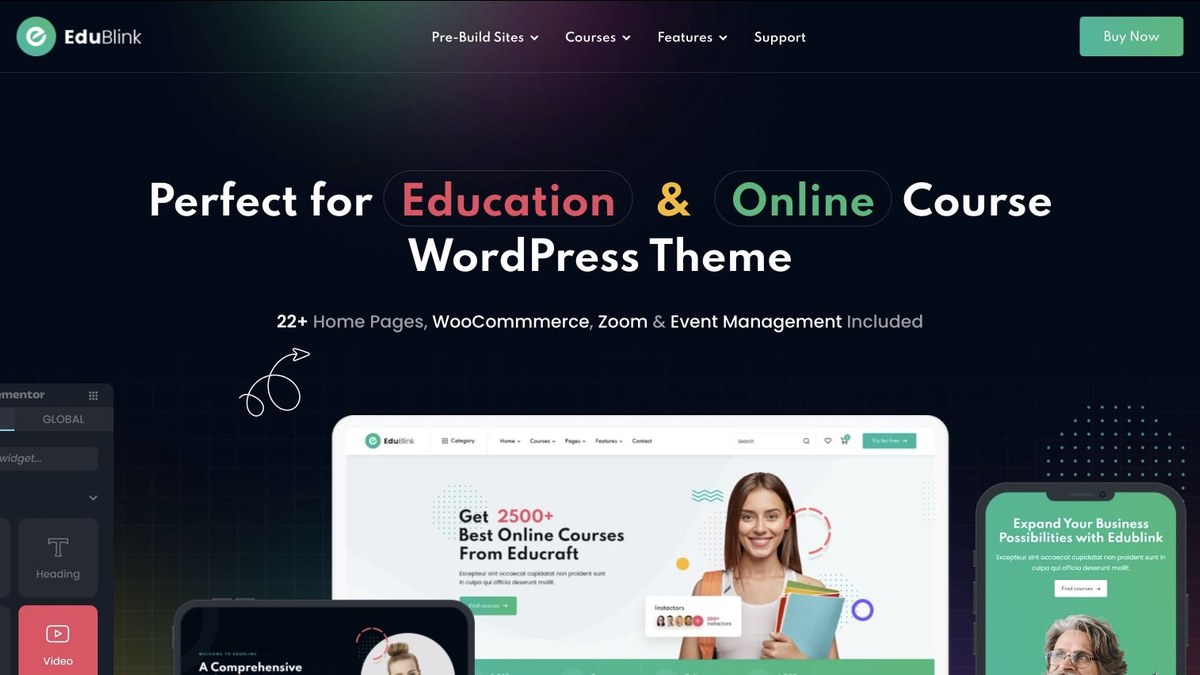
EduBlink is a strong pick when the brand needs to look current from the first visit. It is a better fit for modern academies, coaching sites, professional instructors, bootcamps, and course creators who want polished page sections without the heavy university look.
The main reason to consider EduBlink is presentation. If your courses are high-ticket or brand-led, the design system matters because visitors judge trust quickly. Pair it with a careful plugin stack and keep the homepage focused on outcomes, proof, curriculum, and enrollment.
Choose EduBlink if: the first impression matters and you want an education theme that feels newer than the classic LMS templates.
6. Edubin - Best Multi-LMS Theme
Multi-LMSLearnDashTutor LMS
Edubin is the flexible pick. It is useful when you want a serious education theme but have not fully locked the LMS plugin yet, or when a client is comparing LearnDash, LearnPress, Tutor LMS, LifterLMS, Sensei, Academy LMS, and MasterStudy.
That flexibility is valuable, but it also means you should make plugin decisions early and delete what you do not need. A multi-LMS theme can become messy if every demo plugin is installed and left active. Pick one LMS path, build around it, and keep the admin clean.
Choose Edubin if: you want one education theme that can support several LMS directions while you finalize the platform.
7. Turitor - Best for Training and Coaching Sites
TrainingCoachingElementor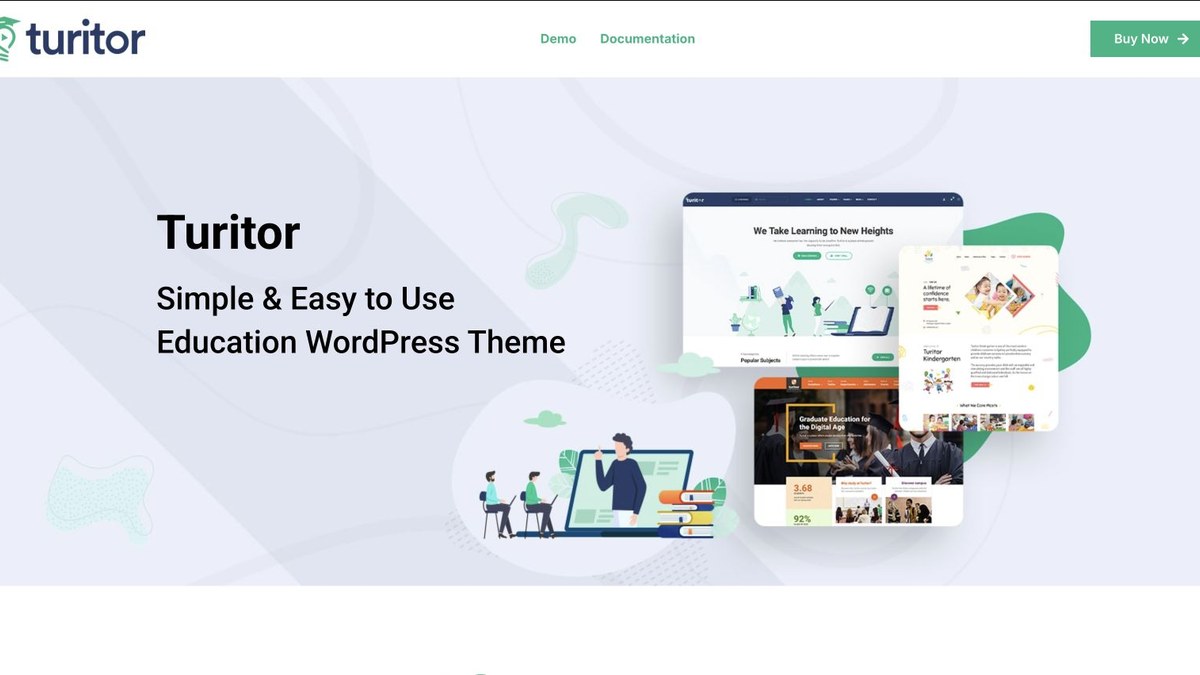
Turitor works well for focused training businesses, coaching programs, and education brands that need a clean course site without looking like a university portal. It is a good middle ground between a course marketplace and a brochure site with a few lessons attached.
Use it when you need strong landing pages, course presentation, instructor sections, testimonials, and event-style content. It is especially useful for businesses selling a small number of polished programs instead of hundreds of marketplace courses.
Choose Turitor if: your education site is closer to a training company or coaching brand than a full academic institution.
8. Education Center - Best for Schools and Institutes
InstitutesLearnDash readyCourses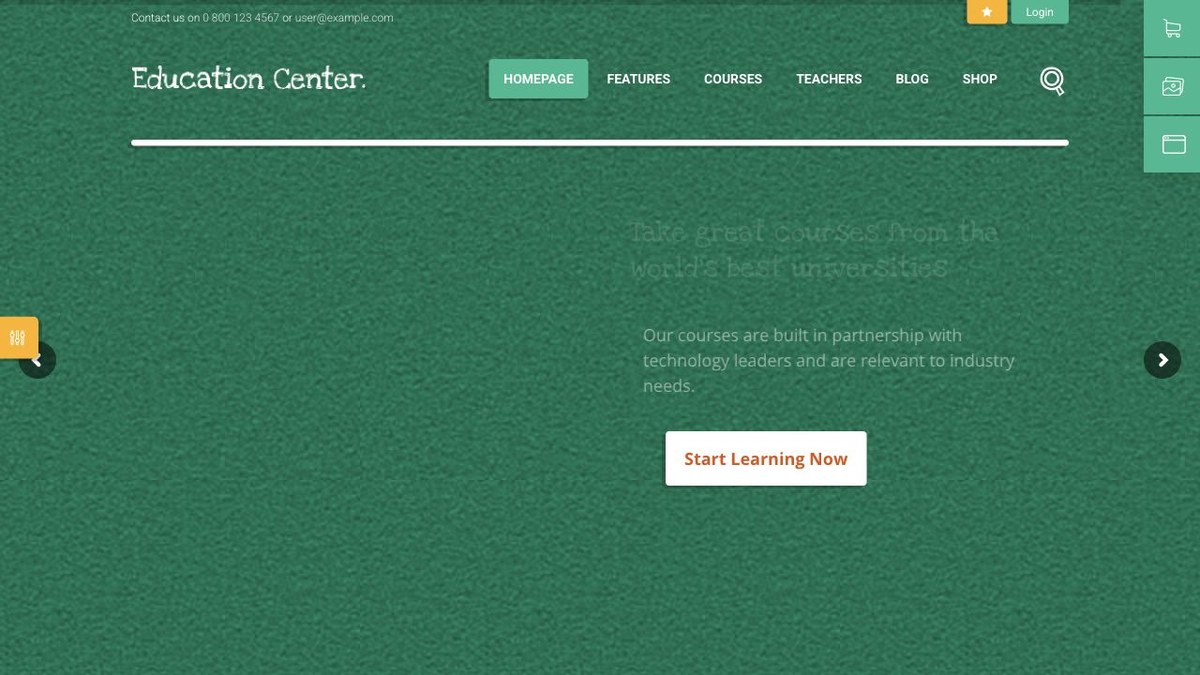
Education Center is better suited to schools, training centers, course institutes, and organizations that need a more traditional education website with online-course capability. It is not trying to look like a creator brand; it feels more institutional.
This makes it useful for projects that need pages for programs, departments, events, instructors, and admissions-style content along with courses. If your site has both informational pages and paid courses, it deserves a look.
Choose Education Center if: your site needs to support a real institution, not just a single creator selling lessons.
9. Courselog - Best Simple eLearning Theme
eLearningSimple setupCourses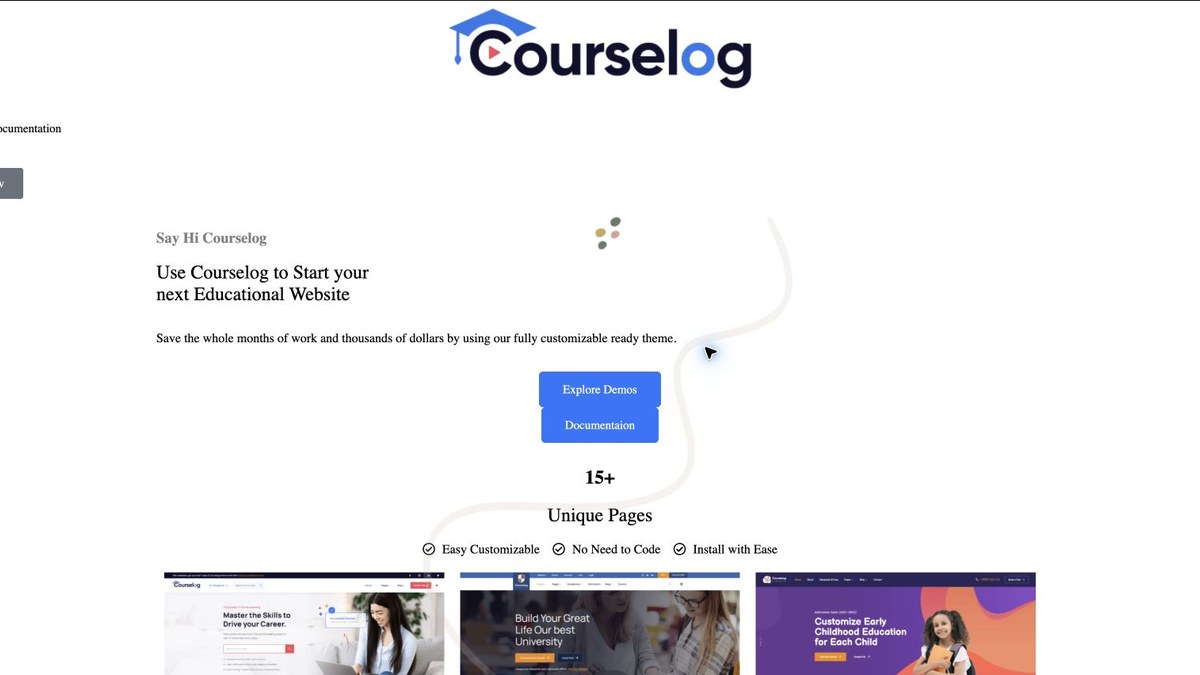
Courselog is a practical pick for course sites that need a clean education layout without a huge amount of setup overhead. It works for smaller academies, course creators, coaching sites, and training businesses that want a professional front end quickly.
Its best use is a focused catalog with a handful of courses, clear landing pages, and direct enrollment paths. If you are building a massive marketplace, use a more marketplace-oriented option. If you are launching a lean course business, Courselog can be enough.
Choose Courselog if: you want a straightforward course website that does not feel overloaded.
10. Edura - Best for Newer Course Brands
Newer designOnline coursesEducation
Edura is worth considering for new course brands, training companies, and education startups that want a modern look but do not need the biggest theme on the market. It is a good option when you care about clear sections, good visual hierarchy, and fast course discovery.
As with any newer theme, check support activity, changelog depth, and plugin compatibility before building a client project on it. Newer can be cleaner, but longevity still matters when the course business depends on renewals and updates.
Choose Edura if: you want a current education look and are comfortable checking the changelog before purchase.
11. UpStudy - Best Budget-Friendly Education Theme
Budget pickElementorTutor LMS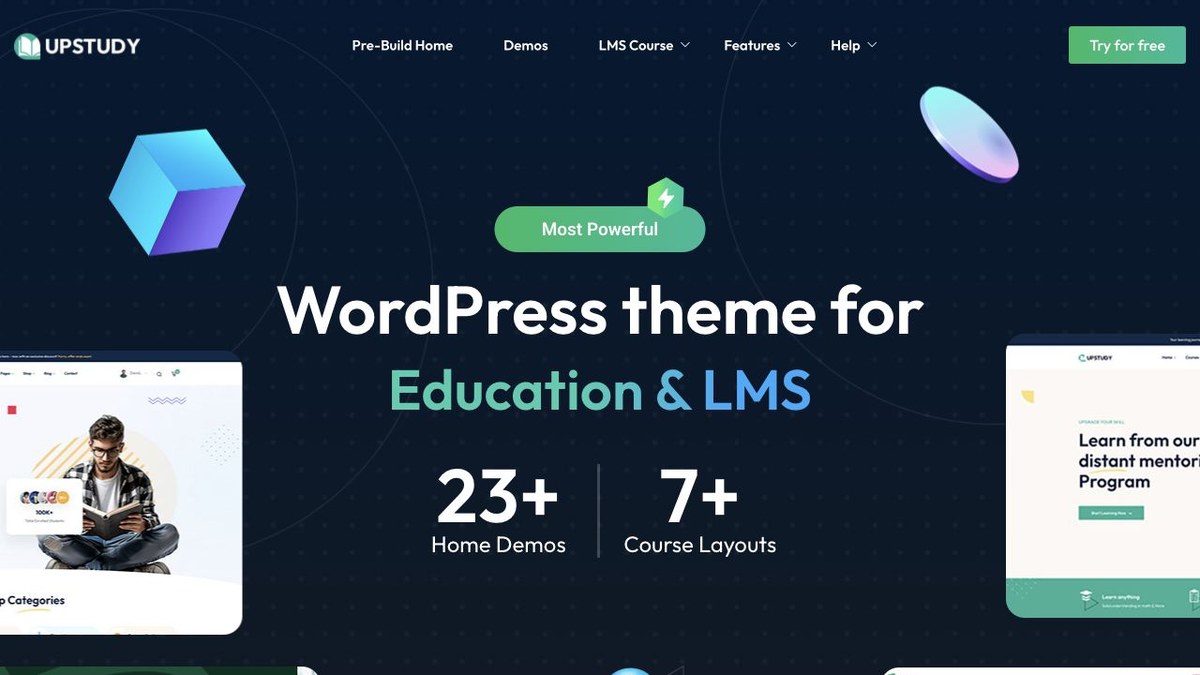
UpStudy is a practical option when budget matters but you still want a current education design. It is useful for smaller schools, local training centers, beginner course creators, and early-stage education projects that need to launch without paying for a heavyweight platform build.
Budget themes should be treated carefully: check recent updates, support comments, included plugins, and performance after demo import. If it passes those checks for your use case, UpStudy can be a good starter theme.
Choose UpStudy if: you need an affordable, modern education theme and are willing to keep the plugin stack lean.
12. Educamb - Best for Classic LMS Layouts
Classic LMSTraining centerCourses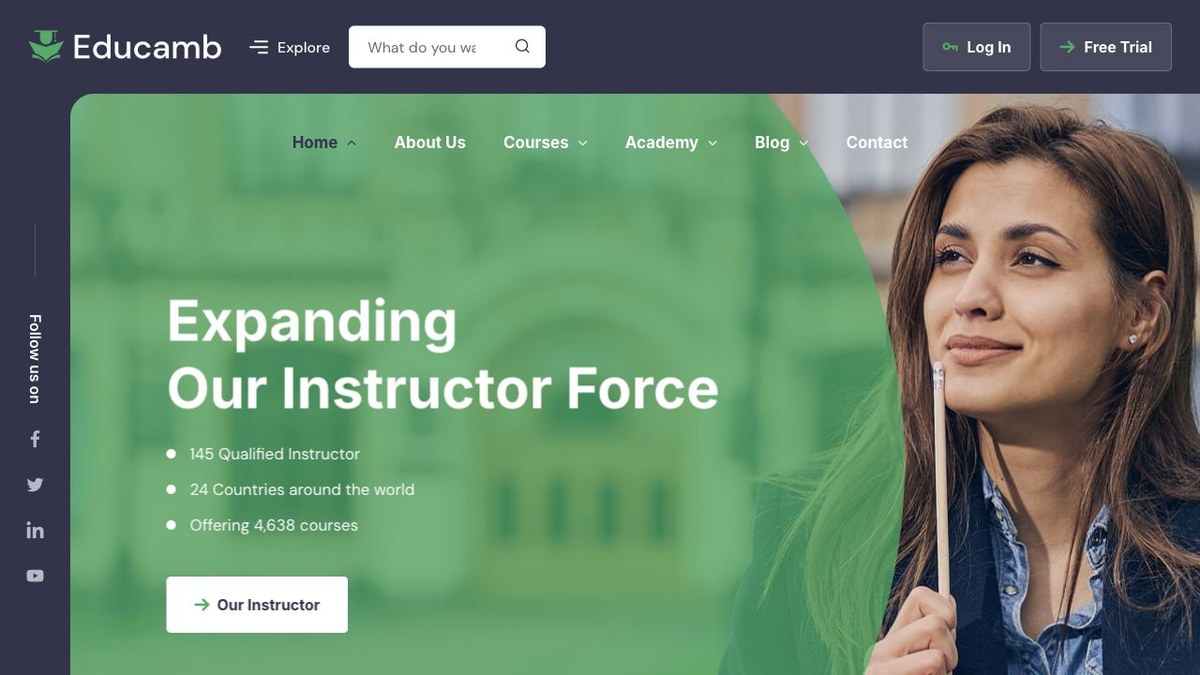
Educamb is a solid fit for course hubs, training centers, schools, and education businesses that want familiar LMS layouts. It does not need to be the flashiest theme to be useful; sometimes a clear catalog, readable lesson pages, and dependable institution-style sections are enough.
Use it if the project needs conventional education pages and course presentation rather than a highly editorial coaching brand. As always, test the demo on mobile and read recent comments before committing.
Choose Educamb if: your priority is a recognizable LMS structure and a straightforward education site build.
My Practical Recommendation
For most people: start with Eduma if you want LearnPress, EduMall if you want Tutor LMS, MasterStudy if you want a marketplace-style platform, or Edubin if you are still deciding between LMS plugins.
For LearnDash: do not pick a theme only because it says "LearnDash ready." First map the course experience, checkout, memberships, certificates, and reporting. Then choose a theme that stays out of the way. The LearnDash guide will help with that planning step.
Setup Checklist After Buying
- Install WordPress on reliable hosting before importing demo content. If you are still comparing hosts, start with our WordPress hosting guide.
- Install the theme, child theme, and only the plugins required for the demo you actually use.
- Choose one LMS plugin and remove demo plugins you do not need.
- Build one complete course first: sales page, curriculum, lesson, quiz, checkout, student dashboard, and email flow.
- Set up backups before accepting payments. Our backup plugin guide covers the safer options.
- Run a speed pass after the demo import. Course sites often become heavy because of sliders, page builders, video embeds, and unused demo blocks.
- Review your WordPress version and theme compatibility before major updates. WPArena keeps a WordPress version timeline for release context.
Free and Alternative Education Themes
If the project is early, a premium LMS theme may be more than you need. You can also compare our lists of education WordPress themes and free education WordPress themes. Free themes can work for brochure-style education sites, but paid LMS themes usually save time when you need course archives, lesson pages, instructor layouts, and student-focused templates.
If you are building the whole site from scratch, read our WordPress website guide before choosing a design. It is easier to pick the right theme once the content structure, monetization model, and maintenance plan are clear.
FAQs
What is the best LMS WordPress theme overall?
Eduma is the best overall starting point for many WordPress course sites because it is mature, widely used, and built around LearnPress. EduMall is better if Tutor LMS is your preferred plugin, while MasterStudy is stronger for marketplace-style course platforms.
Should I choose the LMS plugin or the theme first?
Choose the LMS plugin first. The plugin controls lessons, quizzes, student accounts, payments, certificates, reporting, and course data. The theme should improve presentation without locking your course content into fragile layouts.
Are ThemeForest LMS themes safe for serious course sites?
They can be, but only if you check recent updates, support quality, WordPress compatibility, bundled plugin rules, and performance. Avoid importing every demo plugin. Keep the stack focused, back up the site, and test checkout before launch.
Which theme is best for LearnDash?
Edubin is useful if you want broad LearnDash compatibility alongside other LMS options. For a serious LearnDash project, also consider using a lighter theme with LearnDash-focused plugins and custom templates if performance and long-term control matter more than demo imports.
Which theme is best for Tutor LMS?
EduMall is the strongest pick in this list for Tutor LMS-first projects. It is designed around a polished course catalog and learner experience, which makes it a good match for academies and course marketplaces.
 E
EEditorial Staff
Editorial Staff at WPArena is a team of WordPress experts led by Jazib Zaman. Page maintained by Jazib Zaman.







Responses (0 )